Using a Laptop to Play Desktop Games via Streaming

A simple software connection allows an underpowered laptop to run high-end PC games by offloading the heavy processing to a desktop tower.
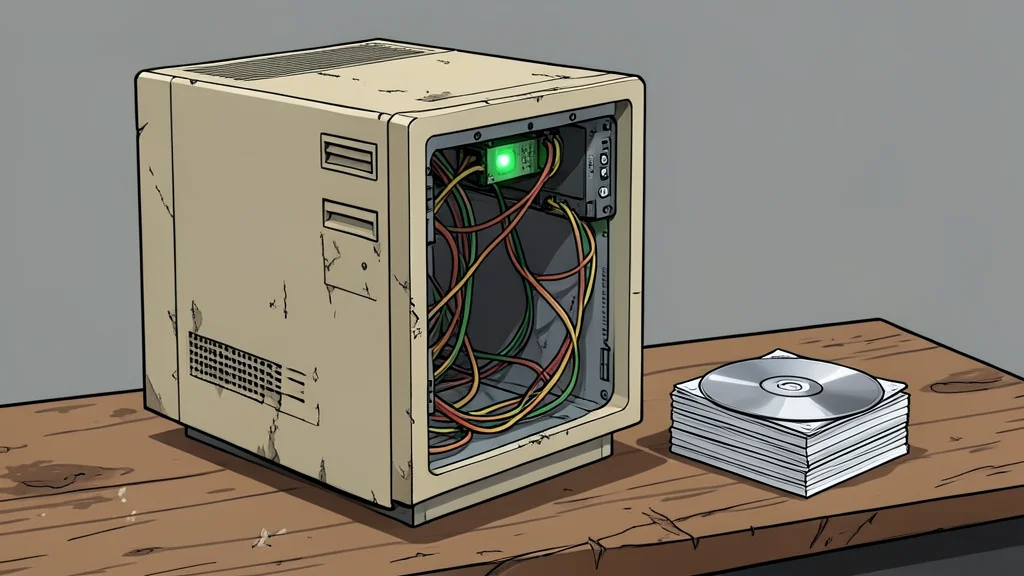
Many users accept that thin laptops cannot handle modern video games due to hardware limits and heat. However, a new setup allows a low-power laptop to display high-quality gaming performance by connecting to a separate desktop computer. This method shifts the computational burden away from the portable device entirely.
The process involves using two free, open-source applications to create a link between the machines. One app runs on the desktop to handle the game rendering, while the other runs on the laptop to receive and display the visual output. According to GN technics/gaming, this setup can be completed in a single evening, turning a weak laptop into a capable gaming client.
Offloading graphics work to the desktop
In this configuration, the laptop does not render any game graphics. Instead, the desktop’s powerful graphics card handles all the heavy lifting, including ray tracing and high-resolution textures. The laptop merely decodes a video stream, a task its hardware handles easily without overheating or draining the battery quickly.
This approach solves the common problem of software compatibility on non-Windows operating systems. Since the game runs on the desktop, the laptop’s operating system is irrelevant to the game’s performance. The user only needs to ensure the laptop can decode the video format being sent.
Simple software requirements for both devices
The setup requires only two specific pieces of software. Sunshine runs on the host desktop, while Moonlight runs on the client laptop. Both are free and open-source, eliminating the need for expensive proprietary streaming services. The naming is memorable: the sun casts light on the moon, so the host sends the data to the client.
Installation is straightforward, with Moonlight available on major app stores. Once connected, the laptop acts purely as a display and input device. This means the laptop’s own graphics capabilities do not affect the game’s quality or frame rate at all.
Broad hardware compatibility for gaming hosts
You do not need a cutting-edge graphics card to use this method. Any modern desktop with a video encoder from Nvidia, AMD, or Intel can serve as the host. The encoding process happens on dedicated hardware, so it does not significantly slow down the game itself.
The trade-off is that the laptop must be connected to the desktop via a local network or cable for the best performance. While this allows for wireless gaming in a room, it relies on a stable connection to avoid input lag. For many, the ability to play high-end games on a thin, portable device outweighs this minor constraint.