Turning a Handheld into a Living Room Console
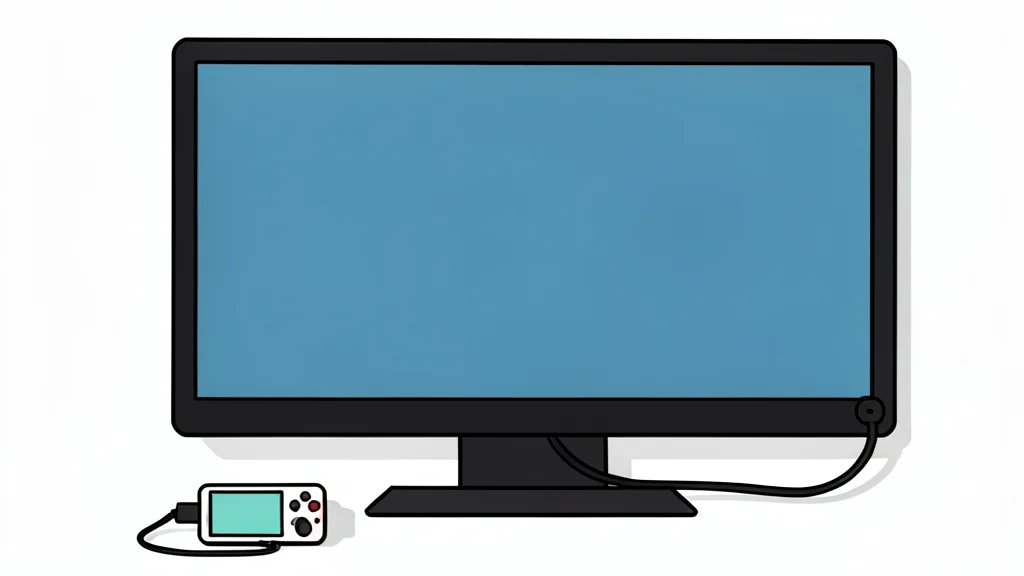
Modern gaming handhelds are powerful enough to drive large screens, but connecting them to a TV requires more than just plugging in a cable. This guide explains the hardware and software steps needed to transform a portable device into a stable home setup.
For many gamers, the small screen of a handheld device has become a limitation rather than a feature. Devices like the Steam Deck OLED, ASUS ROG Xbox Ally X, and MSI Claw 8 AI+ contain hardware comparable to traditional desktop computers. By connecting these units to a television or external monitor, users can access the full processing power of the machine, effectively turning a portable gadget into a living room console without buying a new dedicated box.
However, the process is not as simple as plugging in a charger. The success of the setup depends heavily on specific cable standards and software versions. A mismatch between the device’s output capabilities and the cable’s data speed can result in a blank screen or low resolution. According to GN technics/gaming (en-US), understanding the difference between standard charging cables and high-bandwidth video cables is the critical first step to a working system.
Cable Choice Determines Screen Output
The most common failure point in docking a handheld is the use of a generic USB-C cable. While these cables can transfer power to keep the device alive, they often lack the data lanes required to transmit a video signal. To achieve a crisp image, especially at higher resolutions, users need a cable rated for USB4 or equivalent high-speed data transfer. This ensures that the video signal remains stable and that the external display receives the correct refresh rate and resolution settings.
It is important to note that physical compatibility does not guarantee functional compatibility. A cable that fits the port may still fail to dock the device correctly if it is designed only for charging. Before purchasing new hardware, verifying the specific data protocol supported by both the handheld and the TV is essential to avoid buying incompatible accessories.
Software Updates Are Mandatory
Hardware alone is not enough; the operating system must be current to handle external displays properly. For the Steam Deck OLED, users must ensure SteamOS is updated to version 3.8.16 or later. On Windows-based devices like the ROG Xbox Ally X, the system requires Windows 11 version 24H2 along with the latest version of Armoury Crate. Similarly, the MSI Claw 8 AI+ needs the MSI Center application fully updated. These updates contain the necessary drivers and settings to manage external audio and video output seamlessly.
Running outdated software can lead to glitches such as audio routing errors or incorrect screen scaling. Taking the time to update the system before attempting to dock the device saves significant troubleshooting effort later. It also ensures that any recent bug fixes related to display output are applied, providing a smoother initial setup experience.
Battery Life and Power Draw
One of the primary advantages of docking a handheld is the elimination of battery anxiety. When connected to a dock or a TV with power delivery, the device draws electricity from the wall rather than its internal battery. This allows for long gaming sessions without the need to pause for recharging. For devices with larger batteries, such as the ROG Xbox Ally X with its 80Wh cell, this also reduces the wear and tear on the battery over time.
This setup effectively creates a hybrid system that can be used anywhere. Gamers can play on the go and then switch to a larger screen at home without changing devices. This flexibility makes the handheld a more versatile investment, especially for those who already own a high-quality television but do not want to purchase a separate console.