Dell Launches $999 XPS Googlebook for Android Users
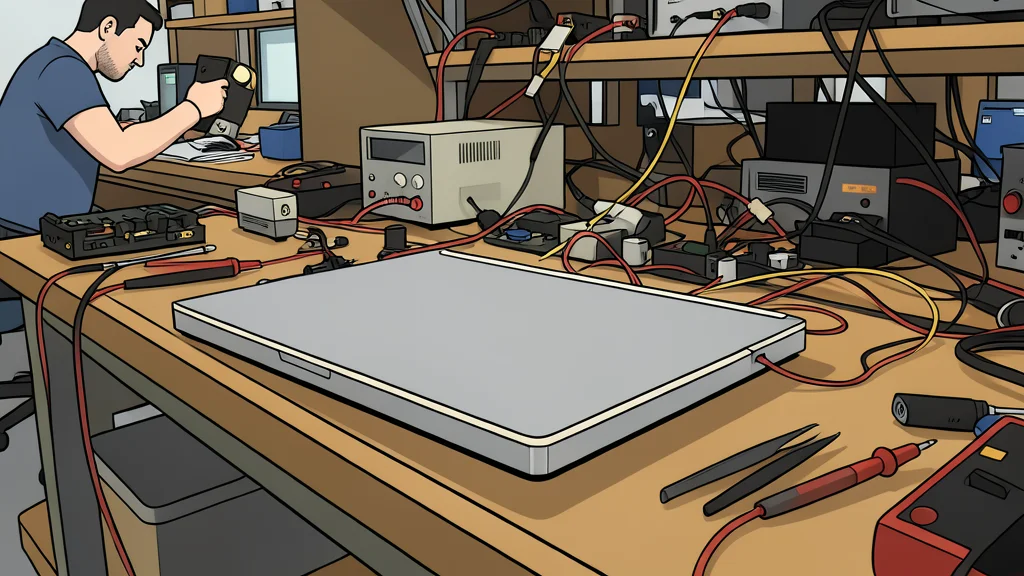
Dell introduces its first XPS laptop built for Android, featuring deep phone integration and a distinctive light bar on the lid.
Key points
- Dell's new XPS Googlebook starts at $999 and is the first XPS laptop built for the Android ecosystem.
- The device features deep integration with Android phones, allowing direct access to files, photos, and messages.
- Powered by a Snapdragon X Elite chip, the laptop offers up to 16 hours of battery life and a distinctive light bar on the lid.
Dell has entered the Android laptop market with the release of the XPS Googlebook, a device designed specifically for users who want their computer to function as an extension of their smartphone. Priced from $999 in the United States, this 13-inch machine is the first in the premium XPS line to be built around Google's operating system and its Gemini AI features, rather than Windows.
The primary draw for buyers is seamless integration with Android devices. According to Stock Titan, the laptop allows users to view, search, and insert files, photos, and messages directly from their phone without the need for manual transfers or duplicate storage. This creates a unified workspace where notifications and app contexts remain aligned across both devices.
Deep Integration with Android Phones
The sync functionality goes beyond simple file sharing. Users can access Android applications directly on the laptop screen without installing separate desktop versions. This eliminates the friction of switching between operating systems and ensures that work done on one device is immediately visible on the other. It is a significant step for professionals who rely on mobile-first workflows.
However, this tight coupling creates a specific trade-off. The laptop is optimized for the Android ecosystem, meaning it is not a universal device for users who primarily rely on iOS or Windows. While the hardware is premium, the software experience is deeply tied to Google services, which may limit appeal for those outside that ecosystem.
Hardware Specs and Battery Performance
Under the hood, the XPS Googlebook is powered by a Snapdragon X Elite processor, paired with up to 32GB of fast LPDDR5X memory. This configuration is designed to handle daily tasks efficiently while keeping power consumption low. The result is a battery life that Dell claims can last up to 16 hours of video streaming on a single charge, making it suitable for long days away from a power outlet.
The physical design retains the premium feel of the XPS brand, featuring a solid aluminum chassis that is just 2.2 pounds and 12.7 millimeters thin. The display is a 2.5K touch screen with edge-to-edge glass, covering the full DCI-P3 color gamut for accurate visuals. A dual-fan cooling system keeps the device quiet during extended use, though the reliance on ARM-based architecture means some legacy Windows applications may not be compatible.
Gemini AI and Distinctive Design
A standout feature is the 'Glowbar,' a light strip embedded in the laptop lid. It serves as a quick visual indicator of battery status and charging levels, allowing users to check power without opening the device. While functional, it also acts as a clear brand statement, distinguishing the laptop from standard Dell models and signaling its Google-centric nature.
The integration of Gemini AI is central to the user experience. A feature called Magic Pointer allows users to activate AI assistance with a simple cursor movement. The system also works in the background to surface suggestions and manage tasks, even when the lid is closed. This proactive approach aims to reduce manual input, though it requires users to trust the AI to operate within their digital environment.