Motherboards Keep BIOS Reset Jumpers for Recovery, Not Security
Modern motherboards retain physical reset jumpers to fix boot errors, though this method no longer serves as a secure password lock.
Key points
- Consumer motherboards retain CLR_CMOS jumpers to allow users to reset firmware settings and recover from boot failures.
- Bridging these physical pins clears volatile memory, which removes any set BIOS passwords but restores default system configurations.
- Enterprise and laptop systems often use non-volatile memory to store passwords, making them immune to simple physical resets.
Most modern personal computers still contain a physical mechanism designed to clear firmware settings, even though very few users actively protect their systems with BIOS passwords. While digital security has shifted to operating system levels, the hardware capability to revert firmware to factory defaults remains a standard feature on consumer motherboards.
This persistence is not a design oversight but a functional requirement for system recovery. According to reporting by XDA Developers, manufacturers retain these components because they provide a critical escape hatch when software-level fixes fail, allowing users to restore stability without replacing hardware.
Physical pins enable firmware recovery
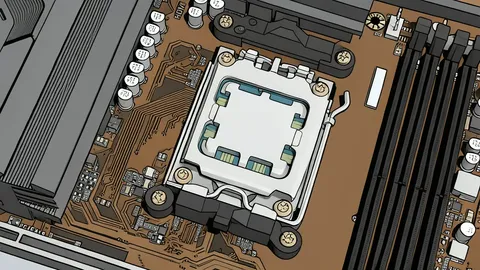
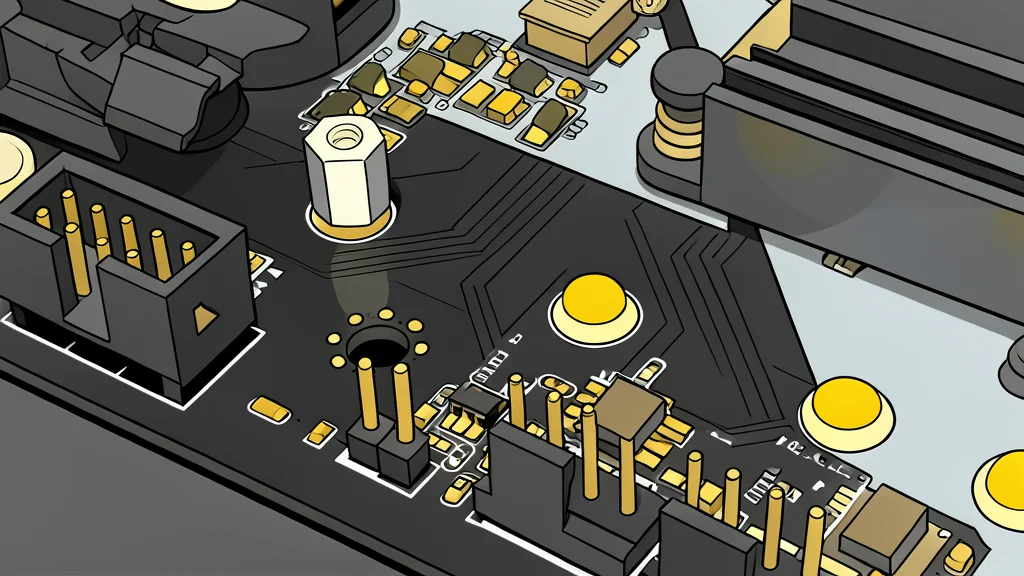
On many desktop systems, this function is handled by a small set of metal pins labeled with variations like CLR_CMOS or JBAT. To trigger a reset, a user must unplug the computer and briefly bridge these pins with a conductive object. This action cuts power to the volatile memory that stores custom settings, forcing the system to reload its default configuration upon the next boot.
This process is particularly useful for resolving boot loops or unstable overclocking profiles. If a firmware update or hardware adjustment causes the system to fail, clearing the CMOS allows the computer to start in a known stable state. It serves as a hardware-level reset switch that bypasses the operating system entirely.
Physical access bypasses password locks
In the early 2000s, BIOS passwords were a common security measure to prevent unauthorized users from accessing boot options. However, the existence of the reset jumper rendered this protection ineffective for anyone with physical access to the machine. Since the hardware reset clears the password along with other settings, it could never be a robust security barrier for home users.
Today, the primary value of the jumper is utility rather than security. It allows IT professionals to manage fleets of machines and enables individual users to recover from system errors. The trade-off is clear: while it ensures recoverability, it offers no protection against someone who can physically open the case and manipulate the components.
Enterprise systems use non-volatile storage
Not all devices rely on this simple jumper method. Modern laptops and enterprise servers often store firmware passwords in non-volatile memory, such as NVRAM or TPM chips. In these systems, physically clearing the CMOS does not remove the password, providing a higher level of security that resists casual tampering.
This distinction highlights the different priorities of consumer and commercial hardware. Consumer boards prioritize ease of repair and recovery, keeping the reset mechanism simple and accessible. Commercial hardware prioritizes data protection, using more complex storage methods to ensure that physical access alone does not compromise system integrity.