Car Software Updates Can Fix Android Auto Connection Glitches
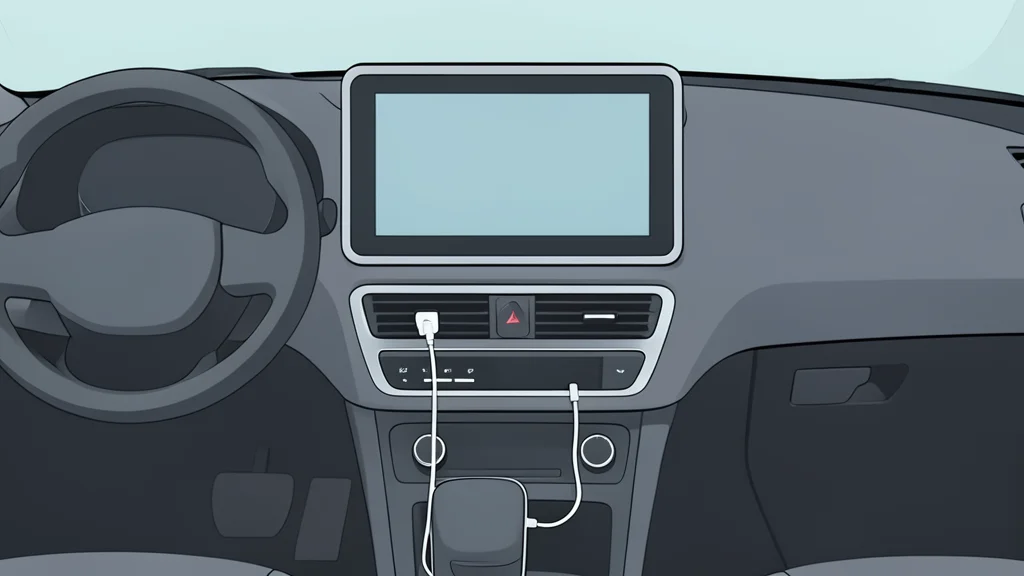
Troubleshooting Android Auto often focuses on the phone, but outdated car software is a common culprit that a simple update can resolve.
When Android Auto fails to connect, the immediate instinct is to check the smartphone. Users typically restart the device, swap the cable, or reset the pairing. However, if these standard fixes fail, the issue may not lie with the phone at all. The infotainment system inside the vehicle also runs on software that can become outdated, leading to compatibility errors and dropped connections.
Engadget notes that many drivers overlook the car's own firmware. Google advises checking the vehicle's software status alongside the phone's. Automakers like Hyundai and Chevrolet have recently released updates specifically to improve wireless connectivity and reconnection stability. Ignoring this side of the equation means missing half of the necessary troubleshooting steps.
Automakers Release Targeted Software Fixes
Vehicle manufacturers are increasingly pushing updates to address specific Android Auto bugs. For instance, a recent update for Hyundai vehicles in Europe included improvements to wireless connectivity and faster reconnection times if the phone becomes unresponsive. Chevrolet explicitly lists updating both the phone and the vehicle software as the primary step when connection issues arise.
The process for installing these updates varies by brand. Some systems allow direct downloads over Wi-Fi, while others require a USB drive or SD card. In many cases, the manufacturer’s website provides the necessary files and instructions. If the process is complex or the manufacturer recommends professional installation, visiting a dealer is the safer option to ensure the firmware is applied correctly without risking system instability.
Update Process Depends on Hardware
There is no universal button to update car infotainment systems. Drivers must navigate their specific vehicle’s settings menu or follow manufacturer-specific protocols. Some systems, such as those using Uconnect, can connect to Wi-Fi directly from the settings menu to download the latest firmware. Others require physical media. The key is to identify the exact model and infotainment version to find the correct update file.
For aftermarket systems like Pioneer or Kenwood units, the manufacturer’s website is the primary source for firmware updates. These units have their own update cycles independent of the car’s factory system. Checking these specific manufacturer sites is crucial if the vehicle is not using the original factory head unit.
Firmware Updates Have Limitations
A firmware update is a troubleshooting measure, not a magical fix for every issue. If Android Auto stopped working immediately after a phone update, the problem likely lies with the phone or the Android Auto app itself. Google maintains a list of known issues, including recent connection problems with specific phone models. Checking this list before touching the car’s software helps identify the correct side of the connection to address.
Furthermore, firmware updates cannot add features that the hardware does not support. If a car’s infotainment system was not designed to handle Android Auto or Apple CarPlay, no software update will change that. Manufacturers like Uconnect clarify that their systems cannot be upgraded to add these features if they were not included in the initial hardware design. Understanding this limitation prevents wasted effort in searching for non-existent updates.