How Focus Modes Differ from Do Not Disturb
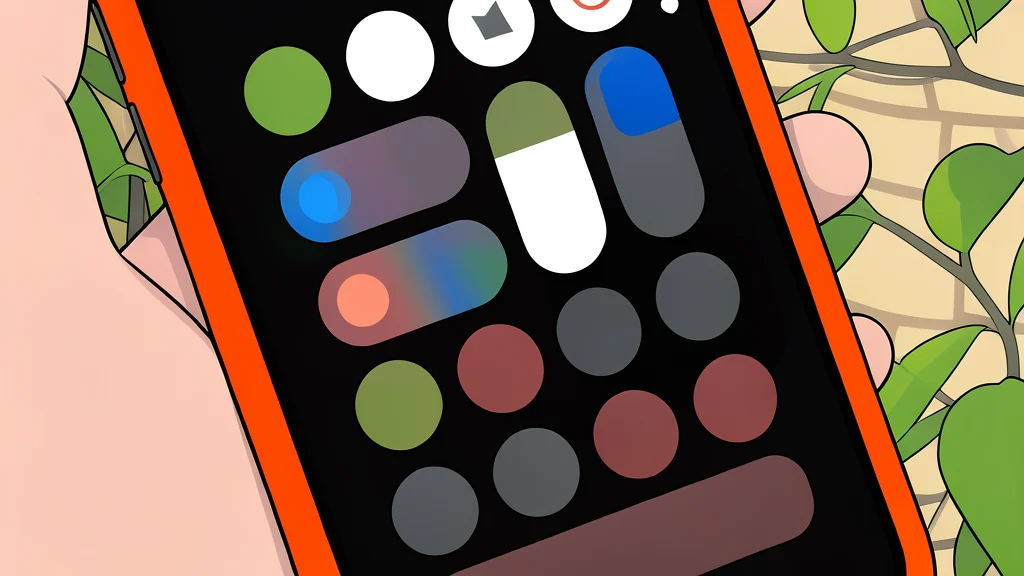
Apple’s latest notification controls offer more than just silence. Understanding the distinction between broad blocking and targeted filtering helps you keep important calls while ignoring the noise.
Smartphones have long struggled with a simple problem: how to silence a device without accidentally missing urgent information. Apple addressed this with Do Not Disturb, a feature that has existed since iOS 6. It functions as a hard block, suppressing all banners, calls, and alerts. While effective for total isolation, it lacks nuance. If a family member calls during a work meeting, the phone remains silent. This one-size-fits-all approach often forces users to choose between constant interruptions or total isolation.
Focus modes, introduced in iOS 15, solve this rigidity by allowing granular control. As reported by Engadget, these modes act as customizable filters rather than simple switches. You can define which apps and specific contacts are permitted to break through the silence. For example, a Work Focus might allow notifications from Slack and email while muting social media. This shift transforms the phone from a blunt instrument into a precision tool, letting you prioritize what matters in the moment.
Filtering Notifications By Context
The core difference lies in permission. Do Not Disturb blocks everything by default. Focus modes start with a block but allow you to carve out exceptions. Inside the settings, you can toggle individual apps or people to either allow or silence notifications. This is crucial for maintaining professional boundaries or personal connections. You can also enable Time Sensitive Notifications, ensuring that alarms, reminders, and calendar events still reach you. This layer of control prevents the frustration of missing a critical alert because you were in a silent state.
Setting up these exceptions requires a few minutes of configuration, but the payoff is significant. You decide who gets through and who does not, based on the context of the day. A Sleep Focus might allow only your partner’s calls, while a Personal Focus could permit friends and family but block work-related messages. This customization means you are no longer at the mercy of the device’s default behavior. You are in charge of the signal-to-noise ratio.
Automatic Activation Saves Effort
Manual toggling is convenient, but automatic activation removes the mental load. Focus modes can be triggered by time, location, or connected devices. The Sleep Focus activates based on your schedule in the Health app, ensuring your phone is quiet at bedtime without you having to remember to turn it on. Similarly, a Driving Focus engages when your iPhone connects to CarPlay. This automation helps reduce distractions on the road by silencing non-essential notifications before you start driving.
For those with Apple Intelligence enabled, a new Reduce Interruptions mode uses artificial intelligence to filter notifications. It attempts to distinguish between urgent and non-urgent messages, reducing the need for manual setup. However, this feature relies on the system’s ability to interpret context, which may not always align with your personal priorities. It is a good starting point, but manual configuration remains the most reliable way to ensure the right people reach you.
Trade-Offs In Customization
The primary trade-off with Focus modes is the initial setup time. Unlike Do Not Disturb, which is a single toggle, Focus requires defining rules for apps and contacts. If you have many apps or contacts, this can be tedious. Furthermore, if you do not configure the settings correctly, you might accidentally silence important notifications. The complexity is the price you pay for precision. Do Not Disturb is simpler, but less effective for nuanced needs.
Additionally, by default, contacts you message will see a notice that you have a Focus mode active. This transparency can be a double-edged sword. It prevents them from wondering why you are not responding, but it also reveals your current activity level. For some, this level of visibility is uncomfortable. You can adjust these settings, but it is a consideration to keep in mind. The goal is to manage interruptions without creating social friction.