Why You Should Keep Your Home Server Offline
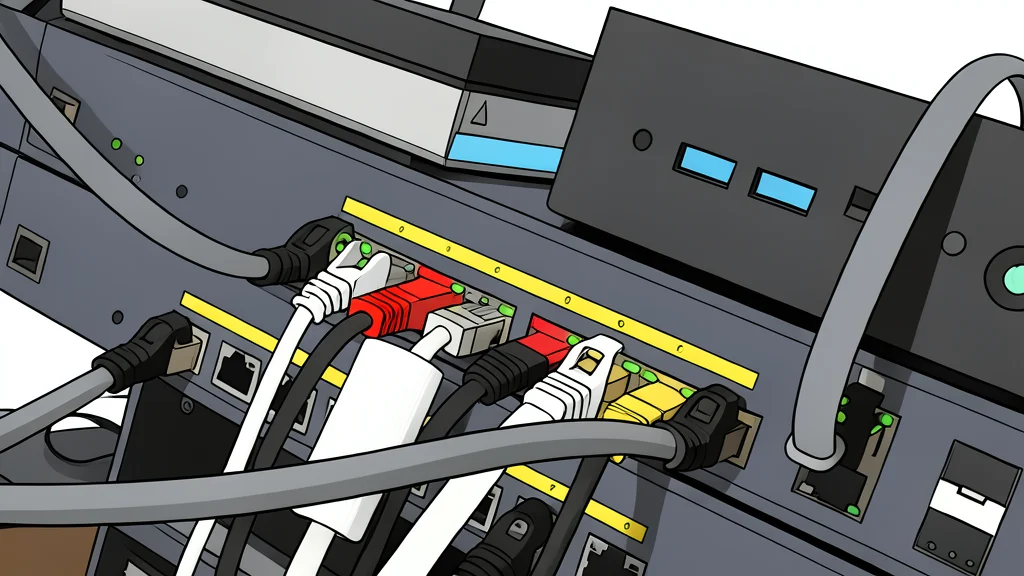
A personal storage device offers convenience, but connecting it to the public web creates a massive security hole that most users do not realize until it is too late.
Home storage units promise a private cloud that eliminates subscription fees and offers control over your data. However, the step required to access these files from outside your house is dangerously simple for beginners. A single setting change in your router can turn a secure local vault into a visible target for global threats.
XDA Developers warns that this common setup mistake exposes not just the storage device, but the entire home network. The trade-off for remote access is a significant increase in vulnerability to automated attacks that scan for weak points in consumer-grade hardware.
Remote access creates a beacon
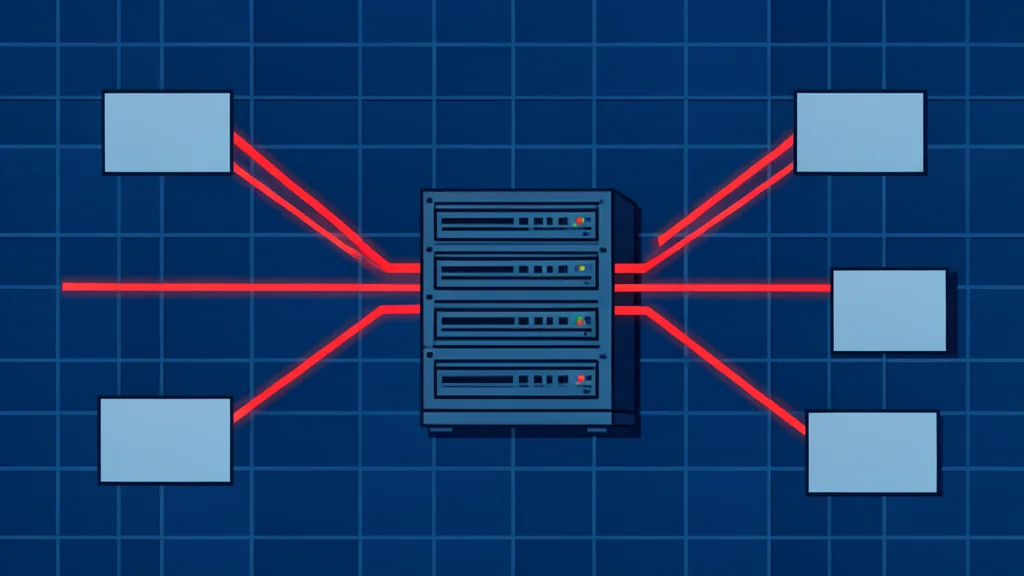
To reach your files while traveling, you must open specific ports on your router. This process, often called port forwarding, tells the internet exactly where your home network is located. For a new user, this is deceptively easy to do, but it effectively paints a target on your back for automated bots that hunt for open connections.
These bots do not discriminate based on the size of your network. They scan for common default settings and passwords that are rarely changed. Once they find an entry point, they can bypass the storage device and move laterally to other devices on your Wi-Fi, including computers and smart home gadgets.
Default settings are a major risk
Many storage manufacturers include quick setup tools that recommend opening ports for convenience. If you accept the default configuration, you are using well-known port numbers that are easily identified by security researchers and attackers. Dedicated search engines exist specifically to catalog these exposed services, making your hidden home network visible to the public.
The assumption that a home user is too small a target to matter is incorrect. Attackers often use automated scripts to try thousands of combinations of usernames and passwords. Because consumer devices often retain factory defaults, these scripts can gain access with minimal effort, turning a personal backup solution into a gateway for intrusion.
The cost of a breach
The consequences of a successful attack range from data theft to complete system paralysis. Ransomware can encrypt every file on your network, holding your photos and documents hostage until a ransom is paid. In other cases, attackers may steal financial information or hijack your internet connection to participate in botnets.
Even if data is not stolen, the processing power of your home devices can be used for cryptocurrency mining. This slows down your network and increases electricity bills without your knowledge. The safest approach for new users is to restrict access to the local network only and explore secure, encrypted tunneling options before exposing the device to the wider web.