WSL Containers Handle Home Lab Services with Minor Networking Limits
A week-long test shows WSL2 supports standard self-hosted apps well, though Windows networking and uptime remain the main hurdles for full server replacement.
Key points
- WSL2 allows standard home lab services like Jellyfin and Nextcloud to run effectively on a Windows PC.
- Hardware-dependent tasks like Zigbee management and network routing are difficult or impossible in WSL.
- Windows updates and shutdowns cause downtime for the entire home lab, unlike dedicated Linux servers.
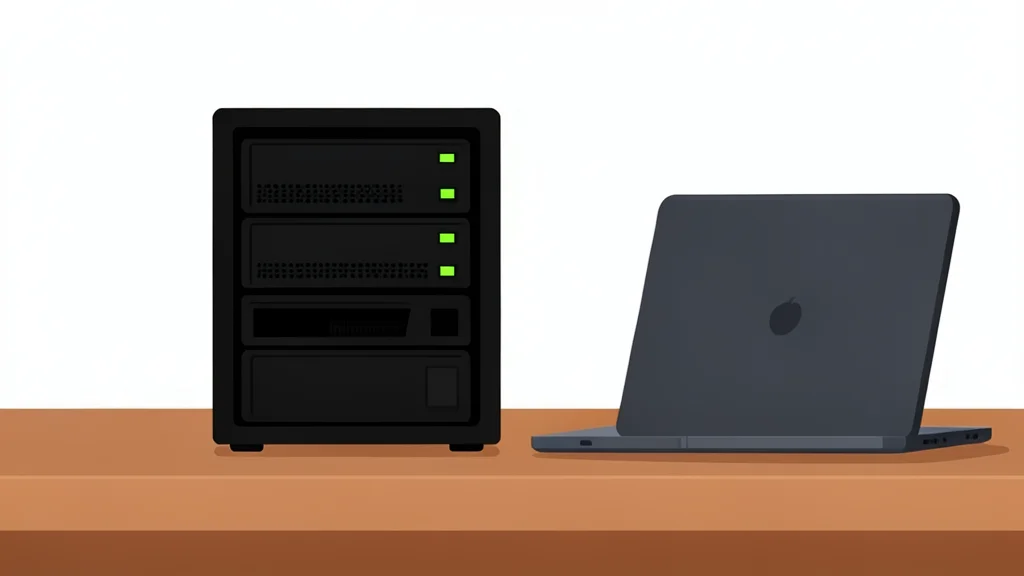
Running a home lab typically requires a dedicated Linux machine, but a recent experiment by XDA Developers suggests that a standard Windows PC can handle the workload using WSL2. The tester replaced a dedicated NAS with a laptop, running services like Jellyfin and Vaultwarden directly through Linux containers inside Windows. For most applications, the setup performed as expected, eliminating the need for extra hardware.
The primary advantage is convenience. Developers can keep their coding environment and self-hosted services on the same machine. This setup allows for easier testing of new containers and direct access to Windows storage. However, the transition is not seamless. While the core services ran smoothly, the underlying Windows layer introduced specific limitations that a dedicated Linux server does not face.
Standard services run without major issues
Most common home lab software, including Nextcloud, Gitea, and Prometheus, functioned correctly within the WSL environment. The tester noted that heavier applications like Immich also ran well, often outperforming the previous hardware due to the laptop's stronger processor and memory. This indicates that for software that only requires a Linux kernel, network access, and storage, WSL provides a sufficient foundation.
However, not all workloads fit this model. Hardware-dependent tasks, such as managing Zigbee or Z-Wave devices for Home Assistant, became cumbersome. The complexity of routing USB hardware through Windows to a Linux container made these specific integrations difficult. Similarly, network-focused roles like running a router or firewall are not suitable for this setup, as they require direct hardware control that WSL abstracts away.
Networking and uptime present key trade-offs
The most significant drawback is networking. Services must pass through multiple layers of Windows networking and firewall rules to reach other devices on the local area network. This makes exposing services to the LAN more complex than assigning a static IP to a dedicated server. Consequently, DNS ad blockers like Pi-hole are impractical in this configuration.
Uptime is another critical factor. Because the home lab runs on a Windows machine, any system update, crash, or shutdown takes the entire service stack offline. For media servers, this downtime might be acceptable, but for critical infrastructure like DNS or smart home hubs, it is a significant risk. Users must weigh the convenience of a single machine against the reliability of a dedicated, always-on Linux box.
Suitable for casual users and developers
For users who want to try self-hosting without buying new hardware, WSL containers offer a viable path. It is particularly useful for developers who want to test applications in a production-like environment. However, it is not a complete replacement for a dedicated server. The setup works best for applications that do not require direct hardware interaction or absolute network stability.