Choosing Between Speed and Space for External Storage
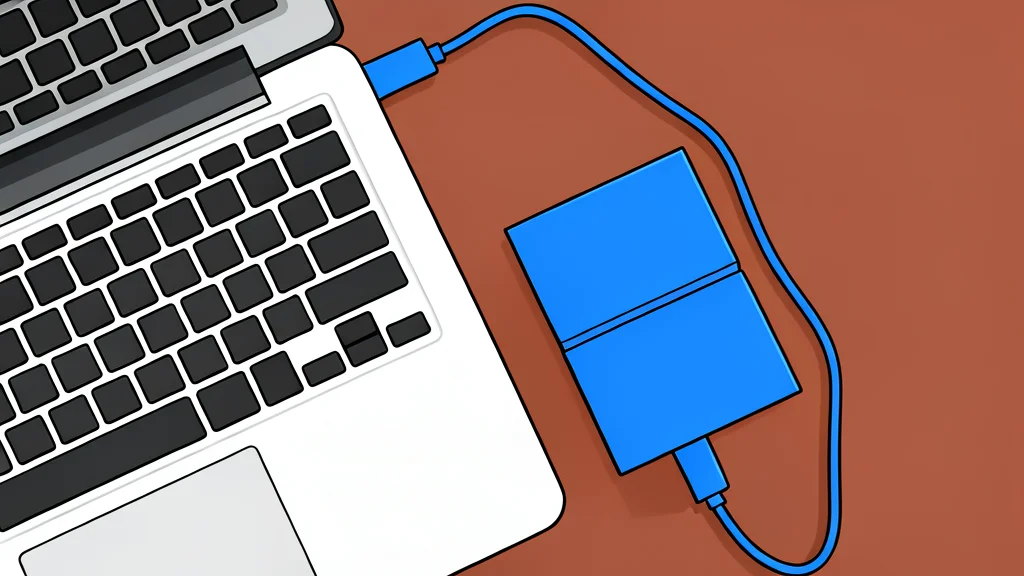
While solid-state drives offer superior speed and durability, hard disk drives remain the more economical choice for large data archives, forcing users to weigh performance against cost per gigabyte.
Selecting an external storage device often comes down to a trade-off between speed and capacity. Solid-state drives, or SSDs, deliver significantly faster data transfer rates and greater physical durability, making them ideal for frequent file access and portable use. However, their higher cost per gigabyte means that buying large amounts of storage with an SSD can become prohibitively expensive.
Hard disk drives, or HDDs, present the inverse value proposition. They offer substantially more storage space for a lower price, which is crucial for users who need to archive terabytes of data. The catch is that HDDs are slower, noisier, and more susceptible to physical damage from drops or extreme temperatures, making them less suitable for active, high-performance workflows.
Speed and durability favor solid-state drives
The primary advantage of an external SSD is its ability to load and transfer data almost instantly. Because they use flash memory without moving parts, these drives are silent, energy-efficient, and resistant to shocks. This makes them the preferred choice for professionals who edit video or move large files daily, as well as for anyone who frequently carries their drive in a bag, where the risk of accidental drops is higher.
Additionally, the lack of internal motors means SSDs draw less power from a laptop, which is beneficial when working away from a power source. Engadget notes that while SSDs are the modern standard for performance, their physical simplicity is a major practical benefit for mobile users who prioritize reliability and quiet operation over raw capacity.
Hard drives offer better value for archives
For users who need to store large libraries of photos, backups, or video projects, external hard drives remain the most cost-effective option. At current market prices, a four-terabyte SSD can be significantly more expensive than a hard drive of the same size. If the data is archived and rarely accessed, the slower read and write speeds of an HDD are often a negligible drawback for many users.
However, this value comes with mechanical limitations. HDDs rely on spinning platters and a moving read head, which makes them sensitive to physical impact and vibration. They also generate noise and heat during operation. If you are recording high-definition video or loading large applications, the performance gap between an HDD and an SSD becomes noticeable and may hinder workflow.
Matching the drive to your workflow
The best choice depends entirely on how you use the storage. If you require fast access to files, frequent transport, and durability, an SSD is worth the premium. Conversely, if your priority is maximizing storage space for a fixed budget and the drive will remain stationary, a hard drive is the sensible economic choice.
Many tech professionals find that owning both types serves different needs: an SSD for active projects and a large HDD for cold storage. By understanding the specific trade-offs of each technology, you can avoid overpaying for speed you do not need or underinvesting in reliability where it matters most.