HDMI Cables Fail Suddenly Due to Digital Signal Limits
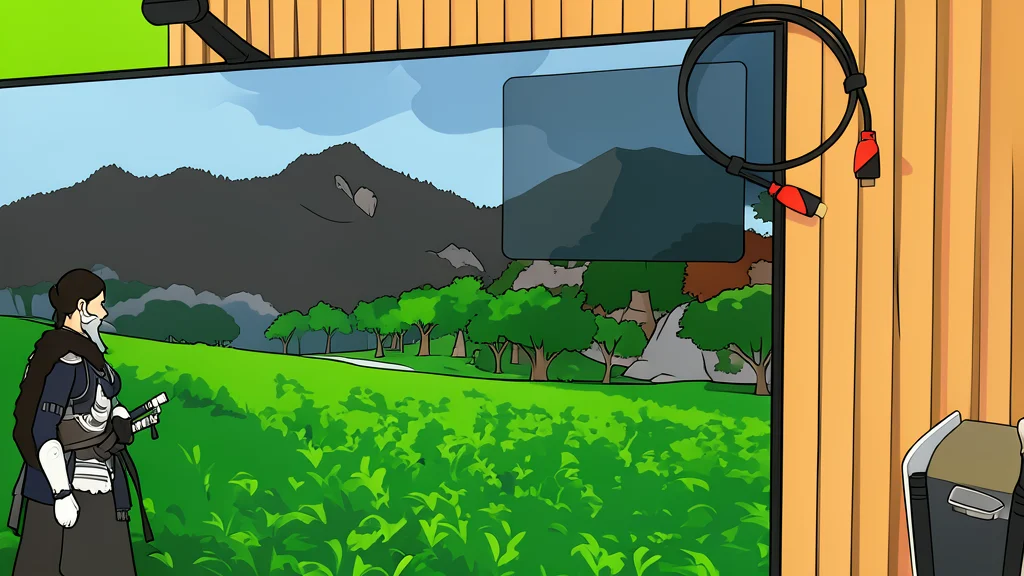
Sparkles and black screens on your TV often signal bandwidth strain or loose connections rather than physical cable damage.
Key points
- HDMI failures are sudden rather than gradual because digital data must arrive cleanly or not at all.
- White sparkles are an early warning that the signal is near the bandwidth limit of the connection.
- Upgrading to a new TV or GPU can make an old, healthy cable fail by demanding more data.
When an HDMI cable starts throwing white sparkles or cutting out the signal, most people assume the cable is physically broken. However, according to XDA Developers, the issue is rarely about material wear. Instead, it is usually a result of digital signal limits being exceeded or a simple connection problem.
Unlike analog signals that degrade gradually, HDMI carries digital data that must arrive cleanly or not at all. This creates a sudden failure mode rather than a slow decline. The frustrating part is that this behavior makes perfectly healthy hardware look like it is on its last legs.
Digital signals fail abruptly
HDMI does not work like an old radio fading in and out. The display receives data that either meets the threshold for correct interpretation or fails completely. There is no middle ground where the picture gets progressively softer. You get a clean image until the connection struggles, followed by obvious errors or a total loss of link.
The small sparkles users see are actually an early warning sign. They indicate that the signal is slipping through a narrow marginal zone where most of the picture survives, but errors are sneaking in. It is not the TV creating static; it is the data arriving imperfectly.
New hardware strains old cables
A cable that worked perfectly for years can suddenly fail after you buy a new TV or graphics card. This happens because the new device may demand higher resolution, higher refresh rates, or HDR support. If the cable is hitting its bandwidth ceiling, there is less margin for error in the physical connection.
This is a common trap for users upgrading their setups. The cable itself has not changed, but the amount of data it must carry has increased. When the signal gets close to the maximum capacity of the cable, even minor imperfections in the plug or port can cause the link to drop.
Check connections before replacing
While physical damage like crushing or corrosion can definitely kill a cable, it is not the most common cause of sudden failures. Most issues stem from loose connections or failed handshakes between devices. Before buying a new expensive cable, try reseating the connectors or testing a different port.
The key takeaway is that a cable does not need to be visibly damaged to become unreliable. Often, the problem is simply asking the cable to do something it was not designed to handle. Understanding this distinction saves money and prevents unnecessary hardware purchases.