Repurposing an Old Laptop as a Family File Server
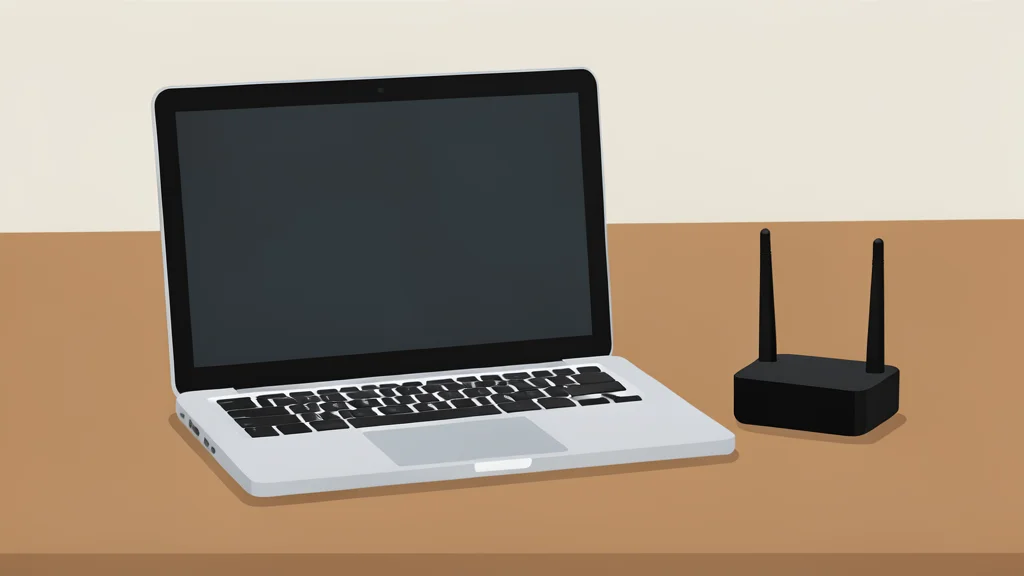
A two-year test of using an older laptop with Nextcloud and Tailscale to replace a paid cloud storage subscription for household use.
Key points
- An old Lenovo laptop with 8GB RAM serves as a private family file server using Nextcloud.
- Tailscale enables secure remote access without port forwarding, though it requires installation on every device.
- The setup avoids subscription costs but limits external sharing to users within the private virtual network.
Instead of purchasing a dedicated network-attached storage device, one user has turned a retired Lenovo laptop into a central file server for their family. The machine, equipped with a Ryzen 5 processor, 8GB of RAM, and 1TB of storage, now handles the household’s digital archives without incurring monthly subscription fees.
By installing open-source software, the user transformed the Windows 11 laptop into a private cloud storage system. This setup allows family members to access, sync, and share files from any device, effectively replacing the need for commercial services like Google Drive or Dropbox for internal family use.
Replacing commercial cloud storage
The core of the solution is Nextcloud, an open-source platform that replicates the features of mainstream cloud providers. It provides individual accounts for each family member, allowing them to maintain private storage while using shared folders for common documents and photos. Permissions can be customized so that specific users can view, edit, or share content without granting unrestricted access to the entire drive.
Accessibility is handled through a web interface and dedicated apps for Windows, macOS, Linux, Android, and iOS. These tools enable automatic synchronization of selected folders and allow users to upload media directly from their phones. The system also retains previous file versions and keeps deleted items for a set period, offering safety nets similar to those found in paid services.
Technical setup and remote access
Setting up the server requires installing Docker Desktop to run Nextcloud All-in-One, which bundles the necessary database components. The user specifies a local folder for file storage rather than relying on default Docker volumes. To ensure the server remains available, the laptop must be configured to stay awake when plugged in, and Docker Desktop is set to launch automatically upon sign-in.
For access outside the home network, the user employs Tailscale. This tool creates a private virtual network, assigning the laptop a secure HTTPS address without requiring port forwarding on the router. Devices connected to this private network can access the server securely, but each device must have the Tailscale application installed and active to connect.
Trade-offs and long-term reliability
According to reports from XDA Developers, the setup has remained stable for nearly two years, demonstrating that older hardware can serve this purpose effectively. However, the system is not without limitations. The laptop’s 8GB of RAM is sufficient for file storage but insufficient for heavier workloads like collaborative office apps or video calls, which the user has left disabled.
The primary trade-off is the friction required for remote access and sharing. Because the server operates behind a private Tailscale network, sharing links will not work for individuals outside that specific virtual network. While this restricts casual sharing with external parties, it enhances security for a server intended primarily for a closed family group.