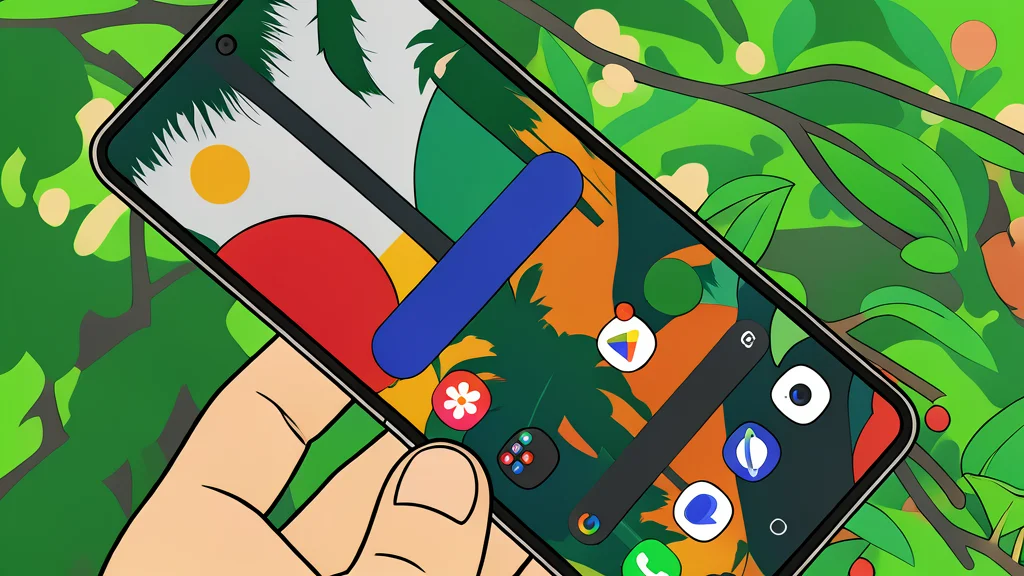
Google Rolls Out Anti-Nausea Motion Cues to More Android Phones

Google is expanding its Motion Assist feature to all Android 17 devices, aiming to reduce motion sickness for users checking their phones while driving.
Looking at a smartphone while riding in a car can trigger a wave of nausea for many people. This discomfort arises from a conflict between what the eyes see and what the inner ear feels. While the screen remains stationary, the body registers every curve and bump of the vehicle. Google is now addressing this sensory mismatch by rolling out a feature called Motion Assist to a broader range of devices.
Previously limited to specific high-end models like the Pixel 11 Pro XL, the feature is now available for all phones running Android 17, provided the Google Play services are updated. According to reporting from GN technics/mobile (en-US), this expansion marks a significant step in making the technology accessible to a wider user base. The update ensures that the anti-nausea tools are no longer a premium-only add-on but a core part of the operating system's safety features.
Motion cues align screen with vehicle movement
The core mechanism of Motion Assist is designed to bridge the gap between visual and physical perception. When active, small, subtle dots appear along the edges of the screen. These dots move in sync with the actual motion of the car, such as turning or accelerating. By providing the eyes with additional data about the vehicle's movement, the feature helps reduce the conflicting signals that typically cause dizziness and queasiness.
Google has integrated this technology more deeply into the system than in previous iterations. Known internally as Motion Cues until late 2024, the feature now persists across different menus and interfaces. This means the cues remain visible even when the user opens other apps or system settings, ensuring continuous alignment between the visual field and the physical environment.
Users can customize visual cues and triggers
The feature offers a degree of personalization to suit individual preferences. Users can adjust the color, shape, and transparency of the motion cues to ensure they are noticeable without being distracting. Alternatively, the system can automatically determine the most effective display settings based on ambient light and usage patterns. This flexibility allows drivers to find the balance between visibility and minimal visual clutter.
Activation is also flexible. The feature can be set to start automatically when the smartphone detects it is inside a moving vehicle. For those who prefer manual control, Motion Assist can be toggled on or off via the quick settings panel. This gives users the choice to engage the feature only during long drives or when they feel particularly prone to motion sickness.
Rollout is gradual and platform dependent
Despite the broad announcement, the availability of Motion Assist is not yet universal. The feature requires Android 17 to function correctly, as the system-wide display of motion cues depends on the underlying architecture of this specific version. Consequently, devices running older versions of Android will not have access to this tool. Additionally, the rollout appears to be happening in phases, with some users reporting that the feature is missing on certain devices even after updating to Android 17.
This approach mirrors a similar solution already available on Apple's iPhones, known as vehicle motion cues. Both companies are pursuing the same goal of making smartphone use safer and more comfortable while in motion. However, the Android version is now being pushed to a larger audience, signaling that reducing driver discomfort is becoming a standard expectation for mobile operating systems.