Tiny 11x11cm Mini PC Runs Entire Media Center and Smart Home
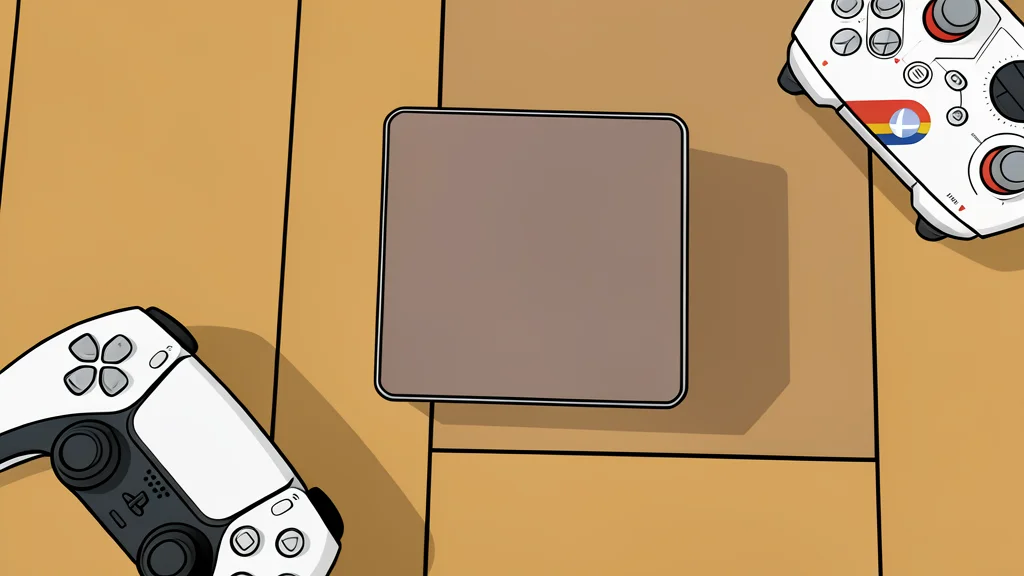
One compact box replaces several devices and cuts costs dramatically.
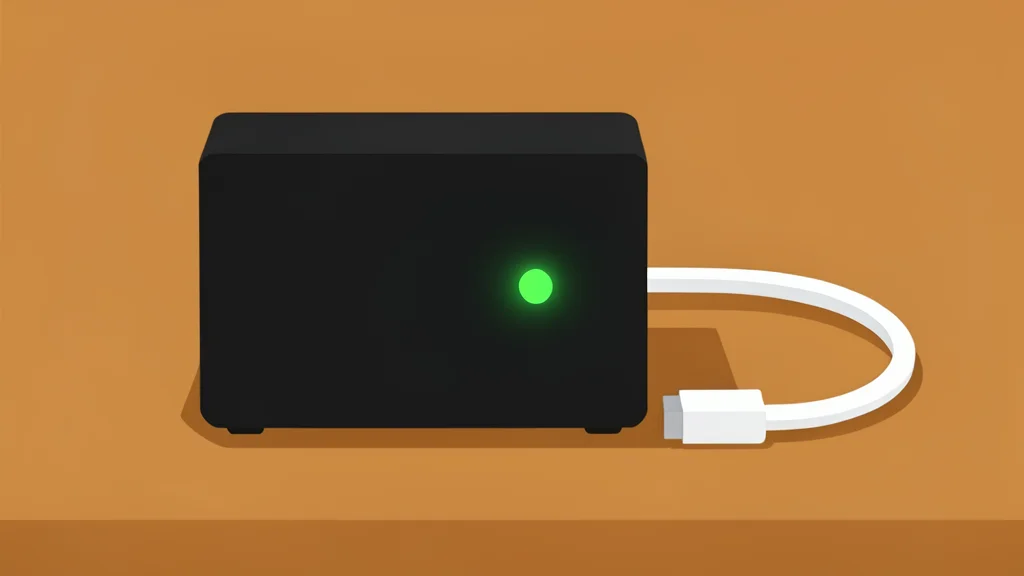
A compact 11 by 11 centimeter computer is handling the duties of a full media server and smart home hub for a fraction of the usual price. The device operates quietly in the background, drawing minimal power while managing complex tasks. This approach avoids the high upfront costs associated with traditional network-attached storage units.
Prebuilt appliances for home automation often start around eight hundred dollars before adding storage drives. In contrast, this mini PC offers a leaner alternative that fits behind a television. It provides the necessary processing power for streaming and automation without the bulk of a desktop tower. XDA Developers highlights this shift toward efficient, specialized hardware for home labs.
Efficient performance drives quiet operation
The core strength of this setup lies in its balance of power and silence. The processor handles multiple tasks simultaneously, including video transcoding and automation scripts, without overheating. Unlike high-performance gaming units that generate significant noise, this device remains nearly inaudible during operation. This makes it suitable for placement in living spaces where a fan whine would disrupt the experience.
Energy consumption remains low even when the system runs continuously for hours each day. The mobile-grade silicon used in the device is designed for efficiency, resulting in lower electricity bills over time. This efficiency is a key trade-off, as the system prioritizes sustained, quiet performance over peak burst speeds. Users gain a reliable background worker that does not require constant monitoring.
Single device replaces multiple systems
This hardware can consolidate several functions into one unit. It manages media streaming for multiple devices, controls lighting and climate systems, and hosts local security tools. By running these services together, the system reduces the need for separate boxes, cables, and subscriptions. The integrated graphics card accelerates video processing, ensuring smooth playback of high-resolution content without taxing the main processor.
Smart home controls operate locally, eliminating the delay associated with cloud-based services. This means lights and locks respond instantly to commands, even if the internet connection drops. The system also supports local file synchronization and password management, keeping sensitive data on the private network. This centralized approach simplifies maintenance by reducing the number of individual devices that need updates and power.
Setup requires technical configuration steps
Getting the system ready is not as simple as plugging it in. The user must install a specialized operating system or virtualization layer to manage the various services. This involves wiping the default software and configuring storage connections. External hard drive enclosures are typically required to expand capacity, as the compact case lacks space for large internal drives.
This technical requirement is the primary catch for casual users. Those comfortable with command-line interfaces can benefit from the flexibility and cost savings. However, others may find the initial setup process intimidating compared to turnkey appliances. The trade-off is clear: lower cost and higher efficiency in exchange for a steeper learning curve during installation.