Why Your ISP Router May Be Sabotaging Smart Home Devices
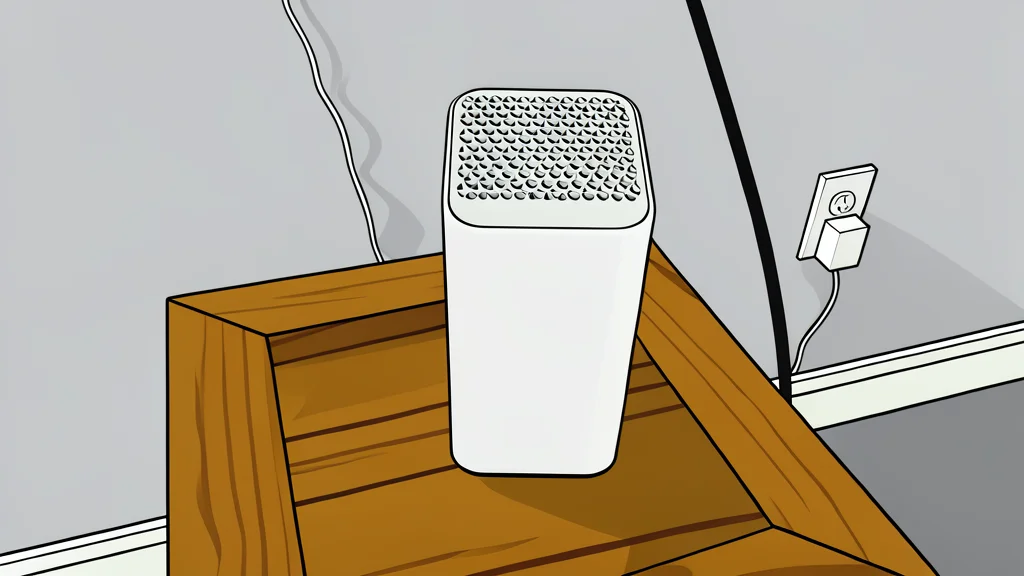
The default router from your internet provider often creates hidden bottlenecks that cause smart lights and sensors to drop offline without you realizing why.
Many homeowners assume that the router provided by their internet service provider is sufficient for modern connectivity. While it handles basic web browsing and streaming, it often struggles with the specific demands of a smart home. The default settings on these devices prioritize general speed over the stable, low-latency connections required by hundreds of small IoT gadgets. This mismatch can lead to frustrating glitches where your smart bulbs flicker or your security cameras report false alarms simply because they lost their Wi-Fi signal for a few seconds.
The core issue is that ISP routers are generally designed for a limited number of high-bandwidth devices, not for managing a dense network of sensors and controllers. When you add dozens of smart switches, plugs, and cameras, the router becomes overloaded. It cannot allocate enough resources to keep every device connected simultaneously. As a result, your automation routines may fail not because the cloud service is down, but because the device itself cannot reach the network to receive the command.
Single Router Range Limitations
A standard ISP router is a single unit that broadcasts a signal from one specific location in your home. This creates a coverage map with strong spots near the device and weak spots in distant rooms or behind thick walls. Smart home devices are often placed in basements, attics, or far corners of the house to monitor temperature or security. These locations frequently fall outside the optimal range of a single router. The result is an intermittent connection where the device connects and disconnects repeatedly, draining its battery and causing it to appear offline in your control app.
Mesh Wi-Fi systems solve this by using multiple smaller units spread throughout the home. These units talk to each other to create a seamless network that covers every room. Unlike a single router, a mesh system distributes the load of managing many devices. If one node fails, the others take over, ensuring your smart home remains responsive. For many users, replacing the ISP-provided unit with a dedicated mesh system is the most effective way to stabilize a smart home network.
Merged Wi-Fi Bands Cause Confusion
Modern routers support two or more frequency bands, typically 2.4GHz and 5GHz. The 5GHz band offers faster speeds but shorter range, while the 2.4GHz band offers slower speeds but better penetration through walls. Most smart home devices can only connect to the 2.4GHz band. However, many ISP routers combine both bands under a single network name. This confuses devices that are trying to figure out which band to use, often leading to failed connection attempts or unstable links.
To fix this, network experts recommend separating the bands by giving them distinct names. This allows high-performance devices like laptops and phones to connect to the faster 5GHz band, while smart home gadgets reliably lock onto the 2.4GHz band. By isolating the traffic, you prevent your smart devices from competing with your streaming video for bandwidth. If your router does not allow you to separate these networks, it is a sign that the hardware may not be suitable for a complex smart home setup.
Channel Congestion And Interference
Wi-Fi operates on specific channels within the frequency bands. In densely populated areas, many neighboring networks use the same default channels, creating interference. This congestion slows down data transfer and causes dropped packets. For a smart home, this means delayed responses or complete disconnections. The default channel settings on ISP routers are rarely optimized for the specific radio environment of your home. They may sit in a crowded frequency range, causing your devices to struggle to maintain a stable link.
According to GN technics/smarthome (en-US), identifying and changing these channels can significantly improve stability. By using diagnostic tools to find less congested channels, you can reduce interference and ensure your devices stay online. This manual tuning is often necessary because the automatic settings provided by the ISP prioritize simplicity over performance. Taking control of your network settings is a crucial step in building a reliable smart home infrastructure that does not rely on the luck of your neighborhood's Wi-Fi landscape.