Connecting External Tools Changes How People Use AI Assistants
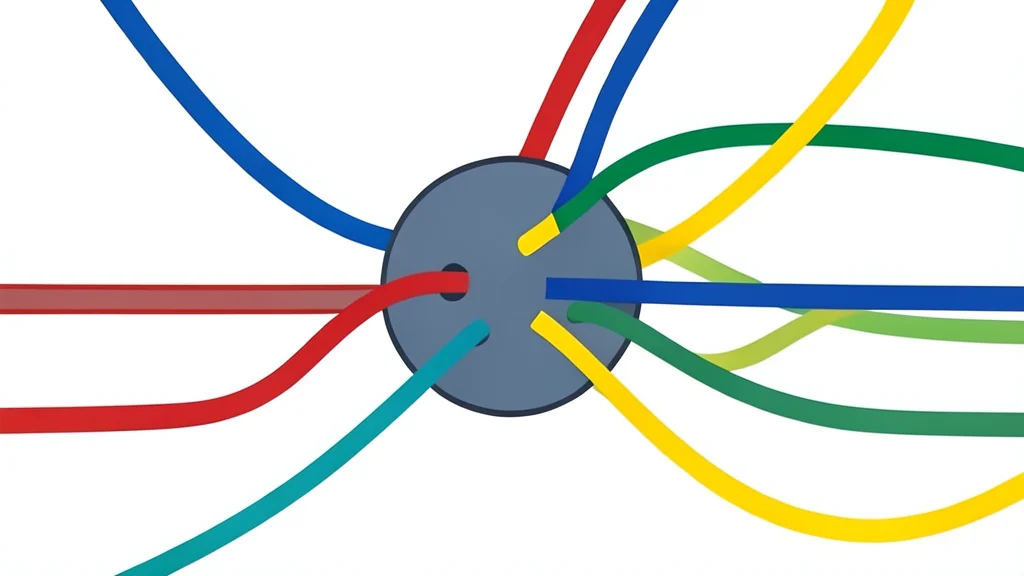
The value of an AI assistant often depends less on the model itself and more on how it connects to the rest of your digital life.
Many users treat AI chatbots as isolated boxes for asking questions, but a more effective approach involves connecting these models directly to the applications where their work already lives. This integration allows the AI to access context, files, and project data without requiring manual copy-pasting or repeated uploads. The result is a workflow where the assistant acts as an active participant in existing projects rather than a passive responder.
XDA Developers highlights this shift by detailing how specific productivity tools transform a general-purpose AI into a specialized workflow engine. By linking the assistant to platforms for notes, file storage, design, and task management, users can automate the tedious parts of their daily routine. This method reduces friction and allows the AI to contribute meaningfully to complex tasks like project planning and content creation.
Connecting notes removes manual reorganization
One of the most immediate benefits comes from integrating note-taking applications. When an AI assistant is linked to a personal knowledge base, it can read through long, unstructured pages of information and summarize them into actionable points. For example, a travel plan stored in a note-taking app can be analyzed to extract visa requirements, costs, and priorities. The AI can then organize this data into clean databases or sub-pages, saving the user from manually sorting through scattered notes.
File access eliminates repetitive uploading
Cloud storage integration solves a common bottleneck in the creative and research process. Previously, analyzing a document required downloading it, uploading it to the chat interface, and explaining the context. With a direct connection to cloud drives, the assistant can browse through folders, identify relevant files, and synthesize information across multiple documents. This is particularly useful for writers or researchers who need to check for repetitive ideas across drafts or gather facts from scattered reference materials.
This capability extends to visual design platforms as well. Instead of starting from a blank canvas, users can ask the AI to review existing layouts or generate initial designs based on a brief. The assistant can suggest improvements to typography, spacing, and color contrast to enhance readability. While the AI handles the initial structure and suggestions, the user retains full control over the final aesthetic adjustments, creating a collaborative design process.
Task management bridges planning and action
Productivity ultimately relies on executing tasks, not just planning them. By connecting an AI assistant to project management software, users can bridge the gap between brainstorming and doing. The AI can help break down large objectives into smaller, assignable tasks, set deadlines, and track progress. This ensures that the insights generated in chat sessions are translated into concrete steps within the team’s workflow.
However, this level of integration comes with trade-offs. Granting an AI assistant broad access to personal notes, files, and project data requires a high degree of trust in the platform’s security and privacy policies. Users must carefully manage permissions to ensure that sensitive information is not exposed to unintended contexts. Furthermore, the effectiveness of these tools depends heavily on how well the user structures their existing data; messy inputs will still lead to less useful outputs, even with a powerful model behind them.