High-Polling-Rate Mice May Hurt Performance
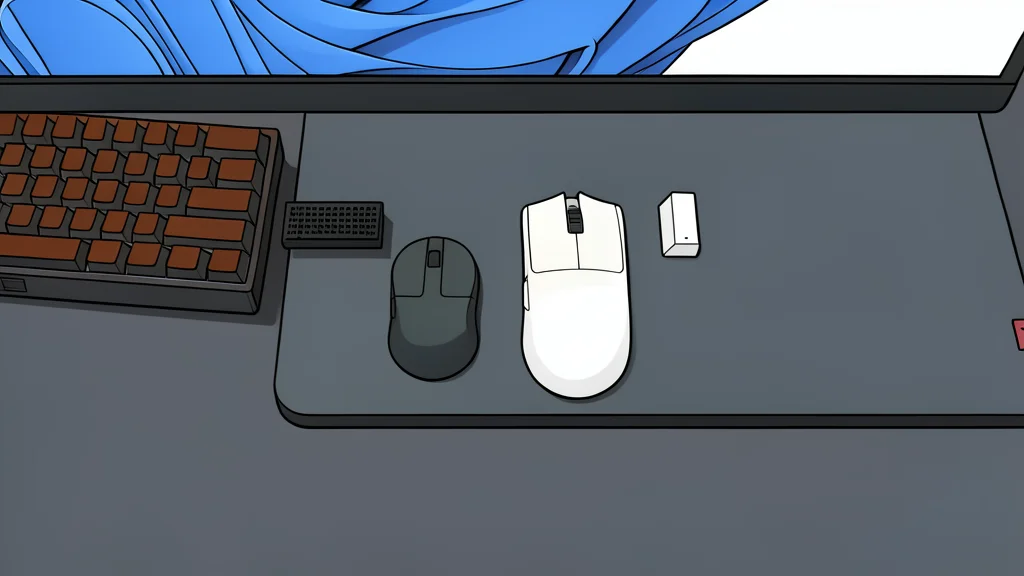
Competitive gamers often chase higher polling rates for better aim, but this feature can actually lower frame rates in CPU-bound games.
Many competitive PC gamers now assume that a higher mouse polling rate is always better. The logic seems sound: more frequent position updates should mean smoother tracking and sharper aim. However, this assumption overlooks a critical resource constraint. While the input device becomes more responsive, the processor handling that data faces a significantly heavier workload. For players pushing high frame rates, this extra demand can backfire, causing stuttering rather than solving it.
The trade-off is simple but often missed. Moving from a standard 1,000Hz polling rate to 8,000Hz means the computer must process mouse positions sixty-four times more often than before. In games where the graphics card is the bottleneck, this extra CPU work is negligible. But in competitive titles that already strain the processor, these additional interrupts can create noticeable frame-time spikes. As reported by XDA Developers, the gain in precision may come at the cost of stability.
CPU overhead limits frame stability
A standard gaming mouse reports its position once every millisecond. At 8,000Hz, that interval shrinks to 0.125 milliseconds. While this sounds like a massive improvement in latency, it places a continuous burden on the central processing unit. Every single report requires the CPU to wake up, read the data, and update the game state. If your CPU is already working near its limit to maintain high frames per second, these extra tasks can cause it to miss deadlines, resulting in dropped frames or uneven gameplay.
This issue is particularly evident in CPU-intensive titles like Battlefield 2042 or Overwatch 2. Users with older or less powerful processors have reported stuttering when using high-polling-rate mice in these environments. The problem is not that the mouse is slow, but that the system is too busy handling the input to keep the graphics rendering smooth. In such cases, lowering the polling rate can actually improve the overall feel of the game by freeing up processor cycles for the core game logic.
Diminishing returns on input latency
The perceived benefit of going beyond 4,000Hz is minimal for most human players. Dropping from a 1ms interval to 0.25ms is a significant improvement in responsiveness. However, cutting that interval in half again to 0.125ms offers a much smaller real-world advantage. Many gamers find that the difference between 4,000Hz and 8,000Hz is indistinguishable in actual gameplay, even on high-refresh-rate monitors. The law of diminishing returns applies strongly here, where the cost in system resources outweighs the tiny gain in input speed.
There is also a battery life penalty to consider. Wireless mice that support 8,000Hz polling often drain their batteries significantly faster than those operating at 1,000Hz or even 4,000Hz. For many users, the combination of negligible latency gains, increased CPU load, and reduced battery life makes the 8,000Hz mode an impractical choice for daily use. A 4,000Hz setting offers a better balance, providing superior responsiveness over standard mice without the severe downsides of the highest setting.
Newer processors handle the load better
The impact of high polling rates depends heavily on your specific hardware. Modern CPUs with high single-core performance, such as recent AMD Ryzen X3D chips, have enough headroom to handle the extra input processing without affecting game performance. If your processor is fast and not already maxed out, you can likely use 8,000Hz polling without experiencing stuttering or frame drops. The extra overhead exists, but it is absorbed by the surplus processing power.
However, this does not mean the overhead disappears. Even with a powerful CPU, the system is still performing more work. In extremely demanding scenarios or on older hardware, the trade-off remains unfavorable. Gamers should test their specific setup rather than blindly assuming higher is better. If you are not seeing a clear performance benefit, sticking to a 1,000Hz or 4,000Hz polling rate is often the more stable and efficient choice for competitive play.