Steam Frame Teardown Shows Glue-Bound Battery Limits Repair Access
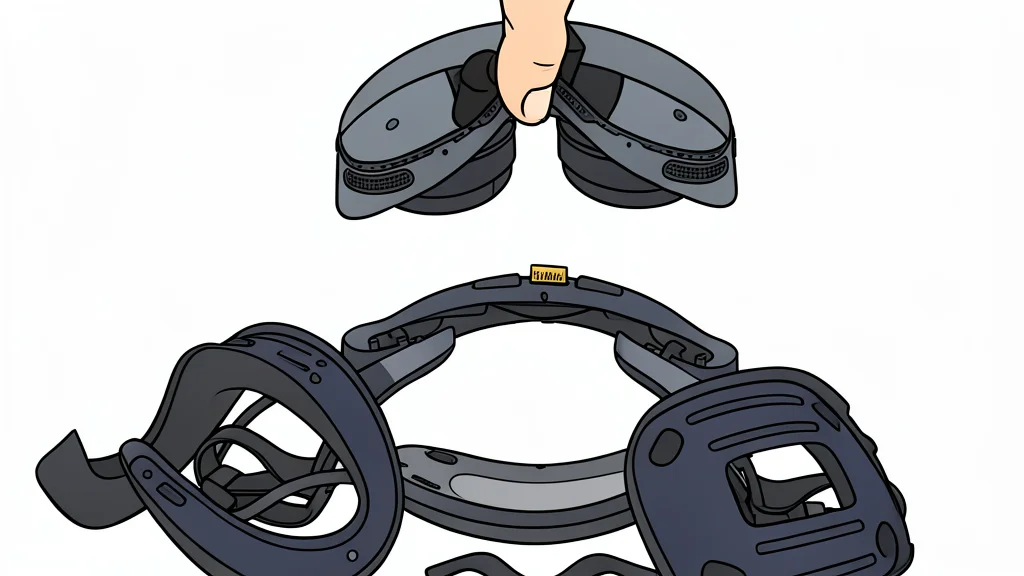
Valve's new headset uses adhesive for the battery, complicating swaps despite modular face parts and expandable storage options.
Key points
- The Steam Frame uses adhesive to secure its 20.9 Wh battery, making replacement more difficult than using release tabs.
- Face foam and nose bridge parts are modular and can be swapped out easily to maintain hygiene and fit.
- Users can expand storage by up to 2TB via microSD, complementing the built-in 256GB or 1TB drives.
Valve released the Steam Frame, a standalone virtual reality headset. iFixit recently dismantled the device to test its repairability. The team found a mix of user-friendly features and stubborn design choices.
The device allows users to play games without external tethers. It includes a 256GB or 1TB storage option. Users can expand this capacity by up to 2TB using a microSD card.
Modular parts ease routine maintenance
Wear items like the face foam and nose bridge detach easily. This design helps keep the headset hygienic for multiple users. The detachable strap also simplifies access to internal components.
Repairing the device is straightforward for these specific parts. Users can replace worn-out materials without disassembling the entire unit. This approach supports long-term usability and shared ownership.
Battery removal requires chemical assistance
The 20.9 Wh battery is secured with traditional adhesive. There are no release tabs or easy-peel strips. Technicians must use isopropyl alcohol and gentle prying to extract it.
Battery life is limited to one or two hours. This short duration accelerates the noticeable impact of natural battery decay. iFixit notes that replacement may be needed within a few years.
Storage expansion extends device lifespan
The external microSD slot allows for significant storage upgrades. This feature helps keep the headset functional for longer periods. It provides a simple way to add more game capacity.
The shared USB-C port handles power, audio, and data. This connection point is a likely source of minor faults. Cleaning this area is a logical first step for troubleshooting.