Why Restarting Your Gaming Handheld Actually Matters
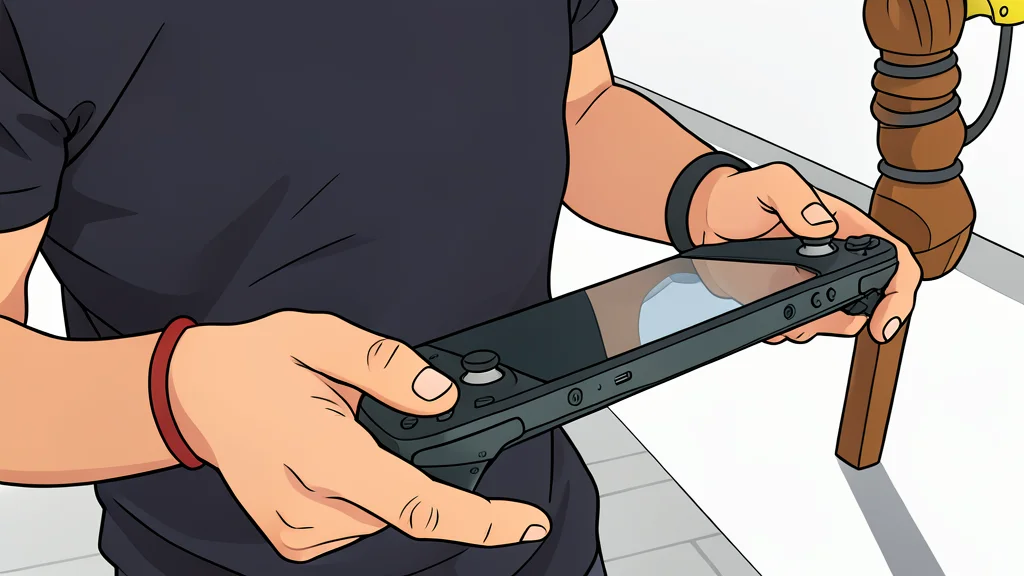
Turning off and on again is often dismissed as a cop-out, but for modern handheld PCs, it is a critical maintenance step that prevents long-term performance decay.
The advice to simply restart your device is often the first response in tech support forums, and for a reason. Modern gaming handhelds like the Steam Deck and ROG Ally are essentially portable computers running full operating systems. While they look like consoles, they rely on the same underlying architecture as laptops and desktops. This means they are susceptible to the same software clutter and memory leaks that plague any PC over time. Engaging in regular restarts is not just a quick fix for a crash; it is a fundamental way to maintain the health of the machine.
As reported by Engadget, the primary reason to reboot is to clear accumulated digital debris. Just like a computer left running for weeks, a handheld’s random-access memory can become clogged with data from apps that failed to fully close. This buildup does not always result in an immediate crash, but it steadily degrades performance. By restarting, you force the system to flush this temporary data, ensuring the device starts with a clean slate rather than dragging along the weight of past sessions.
Memory leaks degrade performance
One of the most significant, yet invisible, benefits of a restart is the management of memory usage. When you play games or use applications, they allocate space in your device’s RAM. Ideally, this space is freed when you exit the app. However, many programs do not behave perfectly, leaking memory or holding onto resources even after they are closed. Over days of continuous use, these small leaks add up, leaving less memory available for your current tasks. This results in slower load times, stuttering frame rates, and a general feeling of sluggishness that a simple restart can instantly resolve.
It is important to note that this is a trade-off for convenience. Keeping your device in a suspended state allows for instant resumption of gameplay, which is appealing for quick sessions. However, if you prioritize raw performance and stability, the small inconvenience of a reboot is worth it. The system needs this downtime to reset its internal state and release any locked resources, preventing the gradual slowdown that plagues devices left in a semi-active state for extended periods.
Updates require a full reboot
Beyond memory management, restarting is essential for the proper application of system updates. When manufacturers release patches for bug fixes, security improvements, or performance optimizations, these files often need to be integrated into the core system files. This process typically requires the operating system to be fully shut down and restarted to take effect. If you rarely restart your handheld, you may find that your device is running on outdated code, leaving you vulnerable to known bugs or security issues that have already been fixed in the update package.
This is particularly relevant for handhelds that run on custom or modified operating systems. The complexity of these systems means that background processes can interfere with one another in ways that a simple app close cannot resolve. A full reboot ensures that all services restart in a predictable order, clearing out any conflicting processes that may have spawned during your previous session. This proactive approach helps prevent minor glitches from escalating into full system freezes or crashes during critical moments in your games.
Choosing the right power state
There is a distinction between hibernating, sleeping, and powering off that users often conflate. Hibernating saves your exact session to storage, allowing you to pick up precisely where you left off with minimal battery drain. While convenient, it does not provide the same system cleanup benefits as a full power cycle. Powering off, on the other hand, is functionally similar to a restart in terms of clearing memory and applying pending changes. For long periods of non-use, especially when the device is stored in a bag or case with poor ventilation, a full power-off is recommended to prevent heat buildup and ensure the system is completely reset.
How often should you do this? There is no single universal rule, but a good practice is to restart your handheld at least once a week, or more frequently if you notice any sluggishness. You do not need to reboot it every few hours, but treating it as a regular maintenance task rather than an emergency fix will keep your device running smoothly. The goal is to prevent the accumulation of digital waste before it impacts your gaming experience, ensuring that when you pick up your device, it is ready to perform at its best.