M.2 Slots May Quietly Reduce Your GPU Performance
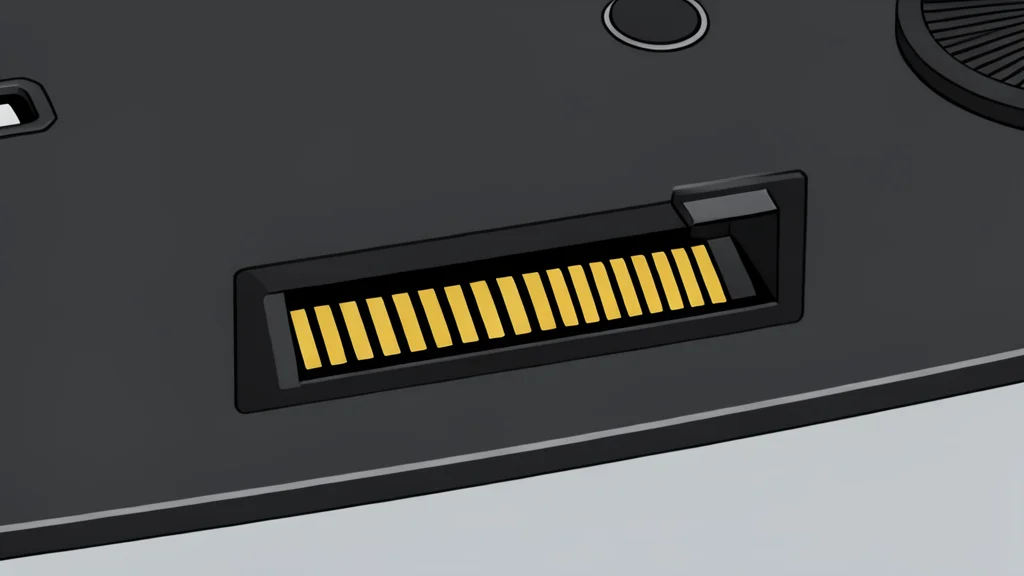
Assuming all storage slots are identical can lead to unexpected bottlenecks in your system.
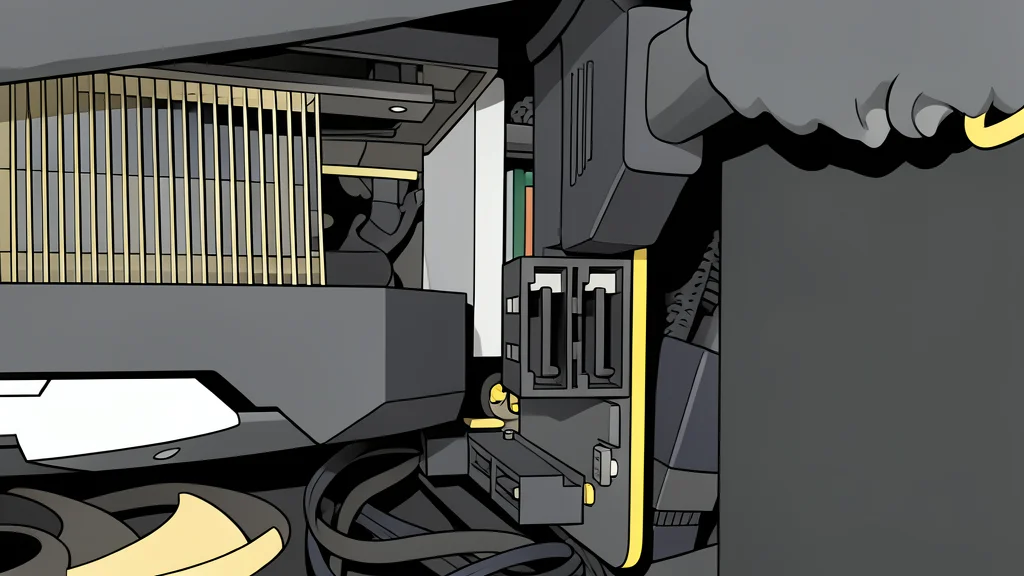
It is easy to assume that any empty storage slot on your motherboard is ready for a new drive. However, manufacturers often advertise these slots without clearly explaining the hidden costs of using them. Before you install a second solid-state drive, you need to understand that these connections are not always independent.
Using a secondary slot can force your computer to sacrifice other high-speed connections. This means your graphics card might run slower, or other ports might stop working entirely. It is a trade-off that is rarely obvious until you check the fine print.
Shared lanes limit graphics card speed
Your graphics card typically uses a dedicated set of data lanes to talk to the processor. When you plug a drive into a specific secondary slot, the motherboard may redirect some of those lanes to support the new drive. As reported by XDA Developers, this can drop your graphics card from full speed to half speed. While this sounds severe, the real-world performance loss is often minimal for most users.
To avoid this, you must read the technical specifications carefully. Look for footnotes that explain which slots share resources. If you see a note about bandwidth sharing, that is the catch. You are gaining storage space but losing a bit of processing power elsewhere.
Other ports may disappear entirely
The impact is not always about speed. On some boards, activating a storage slot can disable other useful features. You might lose access to fast USB ports or dedicated expansion slots. This happens because the motherboard has a fixed number of data paths to distribute. When one path is taken by a storage drive, another path must be closed to make room.
This varies significantly between different motherboard models. One board might sacrifice USB speed, while another might disable a SATA port for older hard drives. There is no universal rule, so you cannot rely on general assumptions. You must check the specific manual for your hardware to see exactly what will be disabled.
Most users will not notice the difference
Despite these technical compromises, the practical impact is often small. For most gaming and productivity tasks, the difference between full and reduced speed is negligible. If you are not using the specific ports that get disabled, you might never even notice the change. The system still functions perfectly well, just with a slightly different allocation of resources.
The key takeaway is to be intentional about your upgrade. Do not just pick the first empty slot. Take a moment to verify what you are giving up. It is a minor inconvenience to check the specs now, but it prevents confusion later when your system behaves unexpectedly.