Raspberry Pi Zero 2 W Server Setup
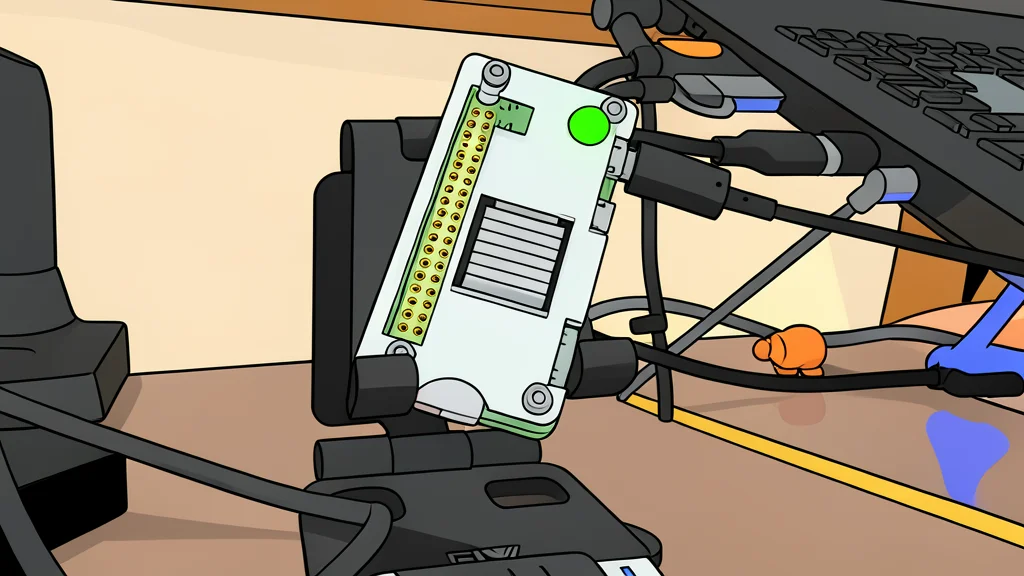
A compact single-board computer now handles tasks previously requiring paid cloud services.
The Raspberry Pi Zero 2 W is a small, low-power device that most users overlook for serious server duties. Its limited memory and processing speed make it seem unsuitable for hosting applications. However, recent testing shows that with the right operating system, this tiny board can replace expensive monthly cloud subscriptions for personal tools.
The key to making this setup work is choosing a lightweight operating system. Standard options often consume too much of the available memory, leaving little room for the actual applications you want to run. By using a more efficient base, the device can host secure backups, ad blocking, and document tools without lagging or crashing.
Operating System Efficiency Matters
According to reports from XDA Developers, DietPi stands out for its minimal resource usage. It uses only about 70 megabytes of memory for basic operations, which is significantly lower than the official Raspberry Pi OS Lite or other competitors. This efficiency is critical because the Zero 2 W has only 512 megabytes of total memory. Saving those initial megabytes allows the system to run multiple services simultaneously without running out of space.
Beyond just being light, this operating system includes a user-friendly menu system for installing software. This makes it easier for beginners to manage the board without needing to memorize complex command-line instructions. It also includes a dedicated store for popular self-hosted tools, reducing the manual work required to set up basic services.
Docker Adds Flexibility and Isolation
To run less common applications, the setup relies on Docker, a technology that packages software into isolated containers. This approach avoids the dependency conflicts that often occur when installing software directly on the main system. While running Docker consumes an additional 50 to 70 megabytes of memory, the trade-off is worth it for the stability and ease of cleanup it provides.
The setup also includes Tailscale, a tool that creates a secure private network. This allows the user to access the board and its applications from anywhere in the world. It also handles the secure connection requirements needed for password managers and other sensitive tools, removing the need for complex manual configuration.
Replacing Monthly Subscriptions
The practical result of this configuration is the ability to run tools like BentoPDF and OmniTools. These applications handle document conversion and other utilities that typically require a paid subscription. By hosting them locally on the Pi Zero 2 W, the user eliminates these recurring costs. The small hardware investment pays for itself by removing the need for multiple cloud-based services.