Digital Driver's Licenses Expand in Apple Wallet
A growing list of US states now allows drivers to replace their physical cards with a secure digital copy on their iPhone or Apple Watch, offering a convenient alternative for age verification and travel.
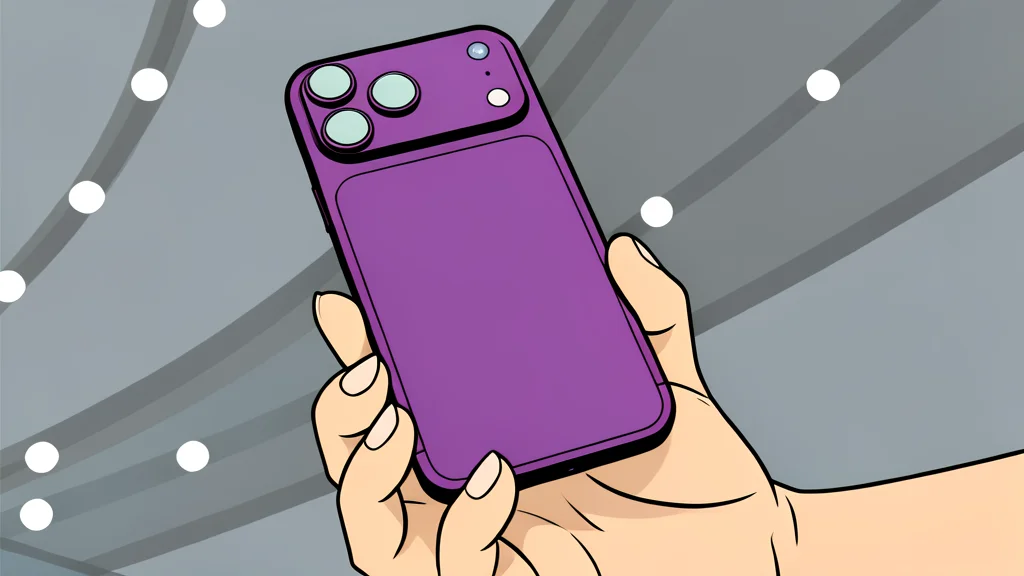
For residents of specific US states, the physical driver's license is no longer the only way to prove identity. Apple has enabled users to store a digital version of their license directly in the Wallet app on their iPhone and Apple Watch. This feature allows individuals to present their ID without digging through a physical wallet, streamlining interactions at airports, bars, and other venues that accept digital credentials.
As reported by Engadget, this capability is not universally available across the entire country. It is currently limited to a select group of states and territories, with North Carolina and Utah expected to join the list in the near future. While the convenience is clear, the adoption is still patchy, meaning users may still need their physical card in many locations.
Setting Up Your Digital ID
Adding a license is a multi-step process designed to verify your identity. You begin by opening the Wallet app and selecting the option to add a driver's license. The system requires you to scan both sides of your physical card under good lighting. Following this, you must take a live selfie to confirm you are the person on the license. This step may involve tilting your head or smiling to ensure accurate facial recognition.
Once the initial setup is complete, the issuing authority must approve the digital copy. You will receive a notification when this is done. A key limitation is that a digital license can only be active on one device at a time. If you switch to a new iPhone, you must transfer the ID during the setup process to keep it secure and functional.
Privacy and Security Measures
Security is a primary focus of this feature. The digital license is encrypted and stored securely on your device. Apple states that neither the company nor the state government can see where or when you present your ID. This ensures that your location history and usage patterns remain private.
When you present your ID, you have control over what information is shared. For example, a bartender might only see confirmation that you are over 21 and a matching photo, rather than your home address or full license details. You must authenticate the transaction using Face ID or Touch ID before any data is released to the scanner.
Availability and Regional Limitations
Currently, this feature is available in states such as Arizona, California, Colorado, and New York, among others. It is also available in Puerto Rico and, internationally, in Japan via the My Number Card. However, many states do not yet support this functionality, meaning residents in those areas must continue to carry their physical cards.
The trade-off for this convenience is the dependency on specific government partnerships. As more states, like North Carolina and Utah, plan to adopt the technology in the coming years, the reach of digital IDs will expand. Until then, users should be prepared to carry their physical license as a backup, especially when traveling to states that do not yet recognize the digital format.