Samsung Gallery Adds Google Photos Sync Before OneDrive Support Ends
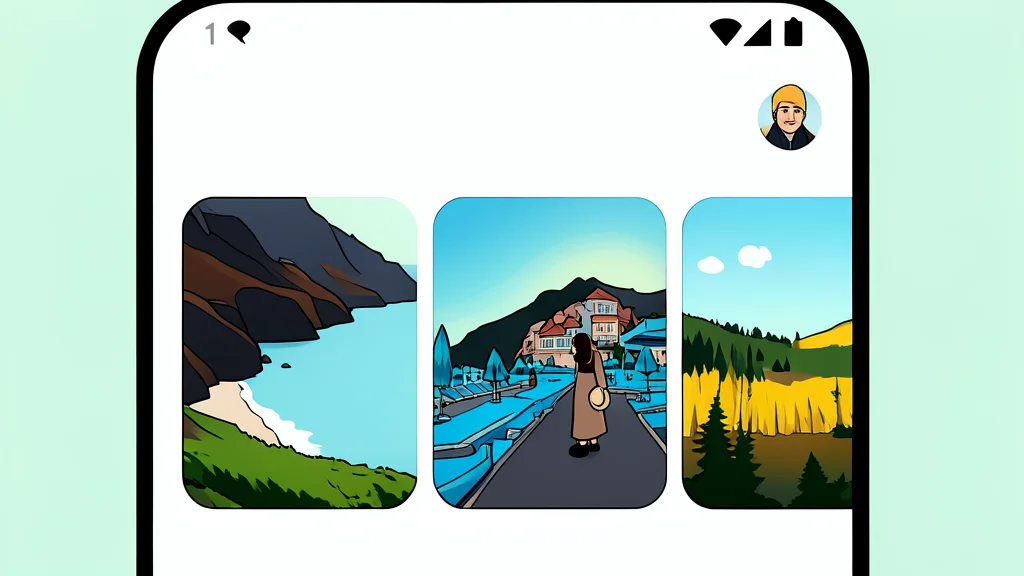
Samsung is introducing direct Google Photos integration to its Gallery app as the OneDrive partnership concludes in September.
Key points
- Samsung Gallery now supports direct Google Photos backup, replacing the soon-to-be-discontinued OneDrive integration.
- Media synced via Gallery lacks advanced features like Memories and Live Albums found in the standalone Google Photos app.
- The feature requires Android 13 or later and a personal Google Account, with availability varying by region and device.
Samsung Galaxy users can soon back up their photos directly to Google Photos without leaving the native Gallery app. This new feature, known as Gallery Cloud Sync, addresses a long-standing gap in Samsung's ecosystem by offering a seamless alternative to the Microsoft OneDrive integration that is set to be discontinued on September 30.
The update allows users to sync their camera roll, screenshots, and selected folders to their Google account while maintaining original media quality. According to ChannelNews.com.au, this change provides a more straightforward cloud backup option for those already invested in the Google ecosystem, eliminating the need to switch between different applications for storage management.
Cloud sync replaces OneDrive default
For years, Samsung’s dedicated Gallery app offered limited cloud backup options, with Microsoft OneDrive serving as the primary partner. The new integration changes this dynamic by allowing direct synchronization with Google accounts. This means that media files are stored in Google’s cloud infrastructure, counting toward the user's existing storage quota rather than a separate service.
The timing of this release is strategic, as Samsung prepares to end its long-running OneDrive partnership. By introducing Gallery Cloud Sync, Samsung provides a native solution that keeps users within their preferred interface. The system supports two-way syncing, meaning that changes made in either Samsung Gallery or Google Photos are reflected in both services, ensuring data consistency across devices.
Missing features in gallery integration
However, this integration is not identical to using the standalone Google Photos app. Media uploaded through Samsung Gallery will not automatically gain access to advanced features such as Memories, Highlights, Live Albums, or enhanced search capabilities. Users who rely on these specific tools may still need to perform backups directly through the Google Photos application to ensure full functionality.
Additionally, the two-way sync mechanism introduces potential risks regarding data management. Deleting a photo from Samsung Gallery can remove it from Google Photos and cloud storage entirely. Furthermore, edits made in one app might result in duplicate versions of the same image appearing in the other, depending on how the changes are processed. Users must be cautious when managing their libraries to avoid unintended data loss or confusion.
Device requirements for new sync
To use Gallery Cloud Sync, devices must be running Android 13 or later and be signed into a personal Google Account. The feature does not support Google Workspace or supervised accounts, which may limit its usability for business or organizational users. Availability may also vary depending on the specific device model, account type, and geographic region, so not all users will have immediate access to the new tool.
Despite these limitations, the addition of Google Photos support marks a significant improvement for Samsung users who prefer a unified ecosystem. It offers a more convenient backup solution than the previous options, particularly for those who do not require the advanced AI-driven features of the standalone Google Photos app. This move simplifies the cloud storage experience while maintaining the polish of Samsung’s interface.