AMD FSR 4 Boosts 4K Framerates by 470% in Cyberpunk 2077
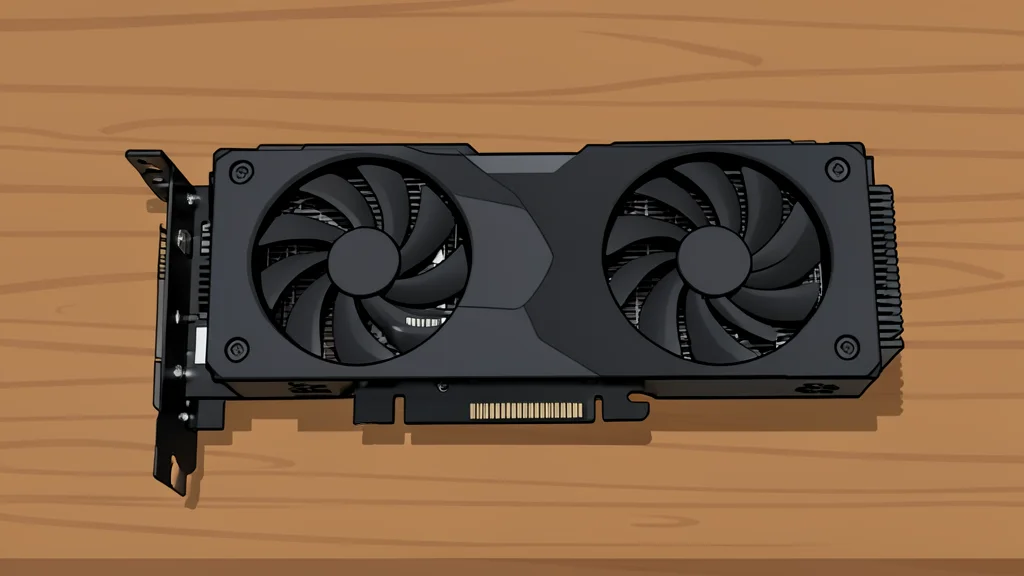
AMD's latest upscaling tech, FSR Redstone, claims massive frame rate gains in AAA titles but introduces visual artifacts and input lag as trade-offs.
Key points
- FSR Redstone uses machine learning to boost 4K framerates by up to 470% in Cyberpunk 2077.
- The feature is open-source and works on AMD, Nvidia, and PlayStation 5 hardware.
- Frame generation can cause ghosting artifacts and input lag, particularly in slower scenes.
AMD has significantly upgraded its FidelityFX Super Resolution technology, now branded as FSR Redstone. This update aims to close the performance gap with competing graphics solutions by introducing machine learning tools that artificially boost frame rates and reduce rendering costs. According to bgr.com, the feature targets gamers who need extra performance from their existing hardware without purchasing new components.
The core function of FSR is to upscale lower-resolution images to appear high-definition, a technique that saves processing power. While previous versions relied on mathematical algorithms, the new iteration uses AI to generate intermediate frames and clean up ray-traced visuals. This approach allows older or mid-range graphics cards to handle demanding titles at higher resolutions than they could natively support.
Massive benchmark gains in popular titles
AMD’s internal benchmarks highlight dramatic improvements in specific high-end games. In Cyberpunk 2077, frame generation reportedly increased 4K framerates by 470%. God of War: Ragnarok saw a 200% jump in performance under similar conditions. These figures suggest that the technology can transform unplayable frame rates into smooth, high-refresh-rate experiences for users with capable but not top-tier hardware.
The technology is not limited to AMD’s own hardware. Because FSR is open-source, it can theoretically run on any graphics processing unit, including Nvidia cards and even the PlayStation 5. This accessibility makes it a distinct alternative to proprietary upscaling solutions that lock out competitors. Gamers can enable the feature through the AMD Software app, which can override older in-game settings to apply the latest enhancements.
Visual artifacts and input lag remain
However, these performance boosts come with noticeable trade-offs. The frame generation process can introduce ghosting effects, where moving objects leave trails, and other visual artifacts. While these issues are less visible at very high frame rates, they can distract players during slower action sequences. Some users have also reported increased input lag, which can affect the responsiveness of controls in competitive games.
The technology does not solve every performance bottleneck. If a computer’s central processing unit is the limiting factor, FSR will not improve overall frame rates. Additionally, multi-monitor setups with high refresh rates may experience synchronization issues or screen tearing when fake frames are inserted. Users should be aware that the solution is a compromise between raw speed and visual fidelity.
Best suited for struggling systems
FSR is primarily designed for systems that struggle to maintain stable 60 frames per second at high resolutions. If your PC already runs games at ultra settings with smooth performance, enabling the feature may offer little benefit and could introduce unnecessary visual noise. It serves as a tool to extend the usable life of existing hardware rather than a universal performance enhancer.
For those considering the upgrade, enabling the feature is straightforward. Reducing the game’s internal resolution and selecting FSR in the graphics menu allows the software to handle the upscaling. The AMD Software app provides a centralized way to manage these settings, ensuring the latest version is applied regardless of the game’s built-in support. It is a useful option for maximizing value from current hardware, provided users accept the potential cosmetic downsides.