Choosing Between a 256GB SSD and a 1TB Hard Drive
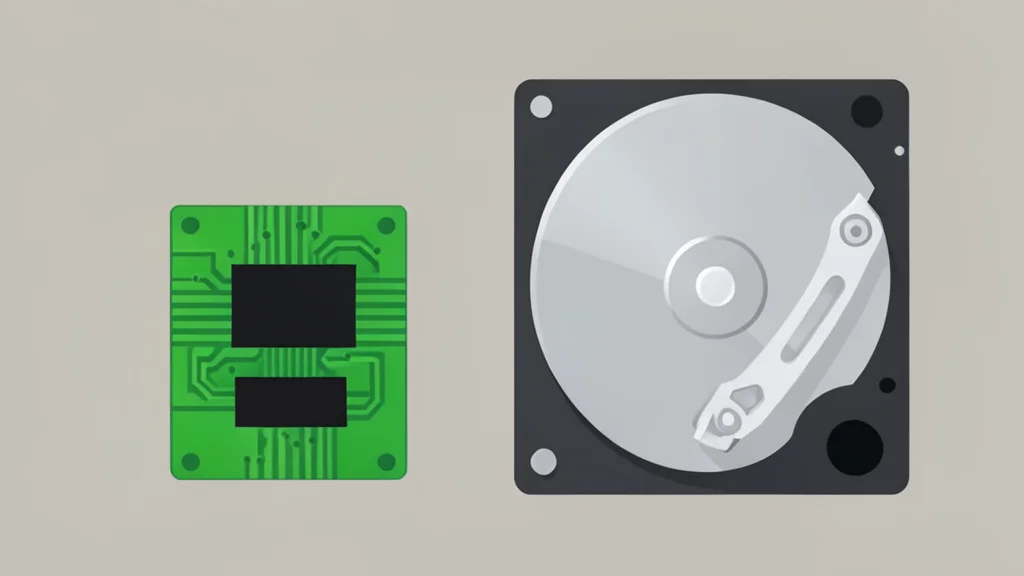
Deciding between a small, fast solid-state drive and a larger, slower hard disk drive requires balancing speed against storage capacity. The right choice depends entirely on whether you prioritize system responsiveness or the ability to hold large media libraries.
Selecting between a 256GB solid-state drive and a 1TB hard disk drive is not simply a matter of picking the better technology. It is a trade-off between how quickly your computer accesses data and how much data you can store at all. For most users, these two options serve different roles within a computer system.
A 256GB SSD is typically the superior choice for a primary system drive, provided that the available space is sufficient for your operating system and essential applications. The significant speed advantage of solid-state technology improves startup times and overall system responsiveness. However, the limited capacity means it is less suitable for users who need to store large collections of games, photos, or video files locally.
Speed advantages of solid state drives
The performance difference stems from the physical mechanism used to retrieve data. Hard disk drives use magnetic platters and a moving read head to locate information, which introduces mechanical latency. Solid-state drives store data in flash memory and access it electronically, eliminating the wait for moving parts. This distinction is particularly noticeable when booting an operating system or launching applications, where frequent storage requests can slow down a mechanical drive.
Solid-state drives also offer practical benefits related to durability and noise. Because they lack moving parts, they are more resistant to shock and vibration, making them ideal for laptops and portable devices. They also operate silently, which is a significant improvement over the whirring and clicking sounds often associated with traditional hard drives. Engadget notes that this lack of mechanical complexity contributes to a more reliable and quieter computing experience.
Capacity limits of small drives
The primary drawback of a 256GB drive is its limited storage space. While Windows 11 requires a minimum of 64GB, that figure is a baseline rather than a comfortable target. The operating system, updates, and installed software consume a significant portion of the available space. This leaves less room for personal files, downloads, and large applications, which can quickly lead to storage shortages.
This limitation makes 256GB a workable minimum for users who primarily browse the web, work with text documents, and keep personal data in the cloud. However, for users who store large creative projects, modern video games, or extensive media libraries locally, this capacity is often insufficient. In such cases, a larger drive becomes necessary to maintain a comfortable workflow without constantly managing storage space.
When hard drives remain useful
A 1TB hard disk drive offers nearly four times the storage capacity of a 256GB solid-state drive, typically at a lower cost per gigabyte. This makes hard drives an excellent choice for backups, media archives, and other workloads where capacity is more important than access speed. Playing a stored video or accessing an archive does not require the same rapid data retrieval speeds as running an operating system.
The trade-off for this additional space is reduced performance and increased physical vulnerability. Hard drives are slower due to their mechanical nature and are more susceptible to damage from drops or bumps. They also generate more noise during operation. For users who prioritize maximum storage for the lowest cost, a 1TB hard drive remains a practical and effective solution, despite these drawbacks.