Samsung Users Can Stop Hidden Battery Drains via Deep Sleep
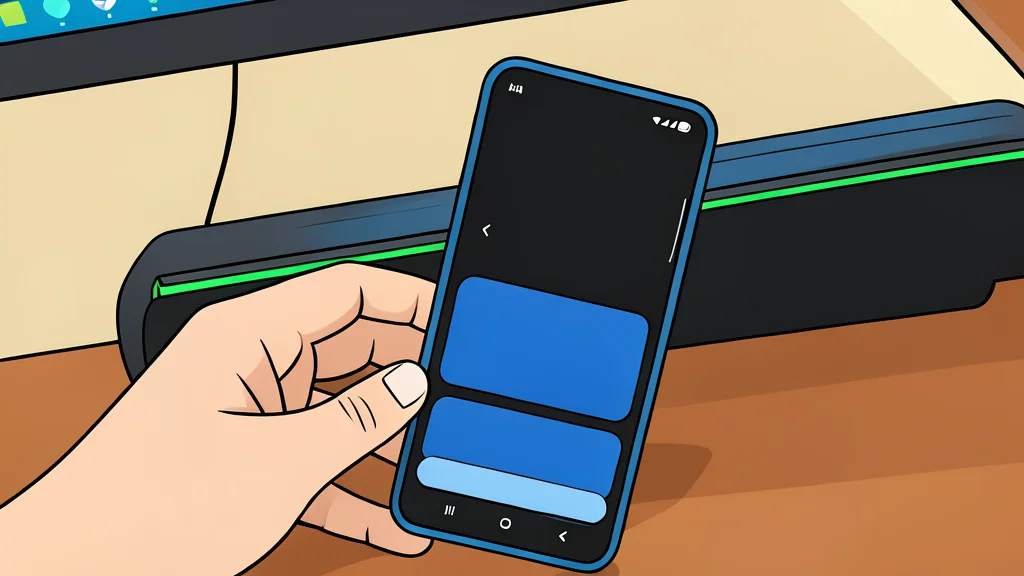
Samsung phones hide settings that quietly drain power. Turning off constant screen activity and forcing apps into deep sleep can extend daily usage time.
Key points
- Always-on display drains significant battery, but tap-to-show mode reduces this impact.
- Deep sleep mode stops apps from running in the background, saving more power than normal sleep.
- Disabling constant searches for nearby devices prevents unnecessary power usage.
Samsung phones include hidden settings that drain battery life. A user with a 4500 mAh battery found that standard usage barely lasts a day. They identified specific background processes and display features as the main culprits.
The user disabled these features to improve performance. This approach offers more control than generic power-saving modes. It allows the phone to stay responsive while stopping unnecessary background work.
Always-on display consumes significant power
The always-on display keeps part of the screen lit at all times. This feature drains a noticeable amount of battery throughout the day. The screen is a demanding piece of hardware that uses energy even when showing only the time.
Samsung offers several modes for this feature, including scheduled and tap-to-show. The tap-to-show option is the most battery-conservative choice. It only activates the screen when you physically touch the phone, reducing constant power draw.
Deep sleep stops background app activity
Many pre-installed apps run in the background without user interaction. Standard sleep mode still allows some activity and notifications. Deep sleep mode is stricter and stops all background processes entirely.
In deep sleep, apps cannot send notifications or update data until you open them. This is useful for e-commerce apps, games, and pre-installed tools like Bixby. It prevents these apps from wasting battery life while you use other functions.
Nearby device scanning drains charge constantly
Phones often search for nearby devices like Bluetooth accessories or smart home gadgets. This constant scanning uses power even when no devices are connected. Users who rarely use wireless connections can disable this feature to save energy.
XDA Developers notes that manual control over these settings exposes unseen culprits. Turning off unnecessary scans and aggressive background tasks helps preserve charge. This method is more effective than simply lowering the screen brightness or limiting charging percentage.