Simple Fixes for Weak Smartphone Signal
Weak cell reception can be frustrating, but several free methods can improve connectivity without hardware upgrades.
Modern smartphones are designed to handle data and calls seamlessly, yet signal strength remains a persistent issue for many users. While city dwellers often experience robust connections, those in rural areas or dense urban structures frequently face dropouts. These interruptions range from minor inconveniences to serious risks when emergency calls are needed. Fortunately, several simple adjustments can boost reception without purchasing new equipment.
The effectiveness of these solutions depends heavily on your location. If you are in an area with no carrier coverage, no trick will help. However, if you are within range of a tower but experiencing interference, small changes to your device settings and physical surroundings can make a significant difference. This report outlines practical steps to stabilize your connection, noting the trade-offs involved in each method.
Resetting tower connections
One common cause of weak signal is that your phone has latched onto a distant tower and refuses to switch to a closer one. Carriers often set thresholds that allow phones to stay connected to a weaker, familiar tower rather than switching to a stronger, unfamiliar one. To force a re-evaluation, you can toggle Airplane Mode on and off. This process disconnects you from all radio networks and forces the device to search for the strongest available signal upon reconnection.
On iOS devices, this is done via the Control Center, while Android users can access it through Quick Settings. A cautionary note is that enabling Airplane Mode may disconnect Bluetooth accessories like smartwatches or earbuds. If you rely on these devices, consider toggling only the cellular radio if your operating system allows it, preserving your other connections while still refreshing the mobile network link.
Physical obstacles reduce range
Building materials play a major role in signal attenuation. Dense bricks, concrete, and metal structures act as barriers that absorb or reflect cellular waves. Even standard plaster walls can contain hidden wire meshes that interfere with transmission. Moving to a window or stepping outside can immediately improve reception by removing these physical barriers between your phone and the nearest cell tower.
It is also worth noting that certain windows, specifically those with Low-E coatings for energy efficiency, contain a metallic layer that blocks radio waves. This can create a confusing situation where standing near a window does not improve signal. In such cases, moving completely outdoors or finding a different location within the building may be necessary to find a clear path to the network.
Device accessories impact antennas
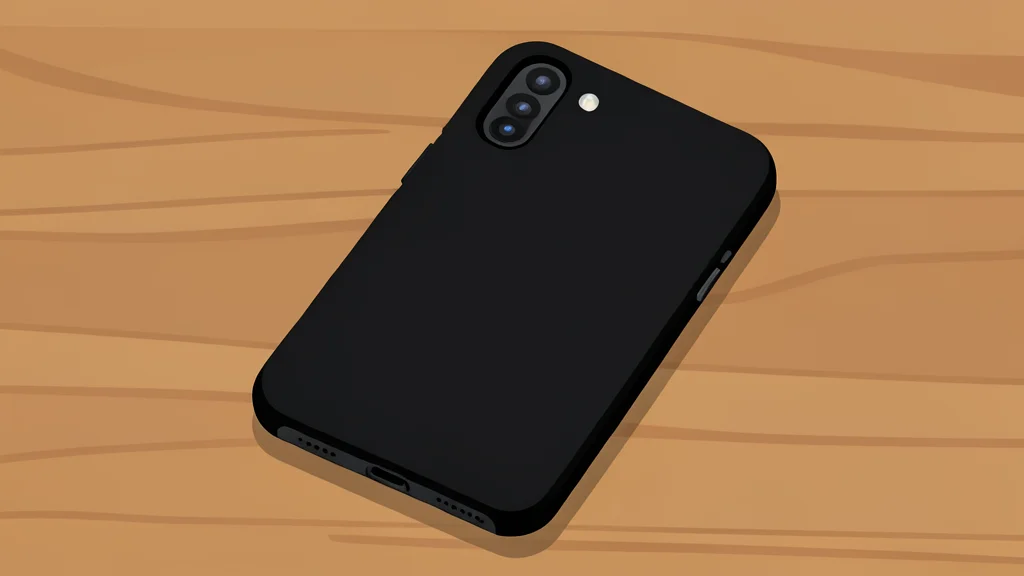
While modern phones have concealed antennas, their performance can still be affected by external factors. Thick or metal-backed phone cases can interfere with signal reception. Although the effect is usually minor, removing the case temporarily can help determine if the accessory is contributing to poor performance. This is a low-cost diagnostic step that can reveal whether the issue lies with the device's environment or its physical setup.
According to GN technics/mobile (en-US), these adjustments are among the most effective free remedies for signal problems. By combining software resets with strategic physical positioning, users can often restore a stable connection. The key takeaway is that signal strength is not just a matter of carrier infrastructure, but also of how well your device can communicate with that infrastructure given its immediate surroundings.