Old Android Phone Runs Jellyfin Server Using Termux
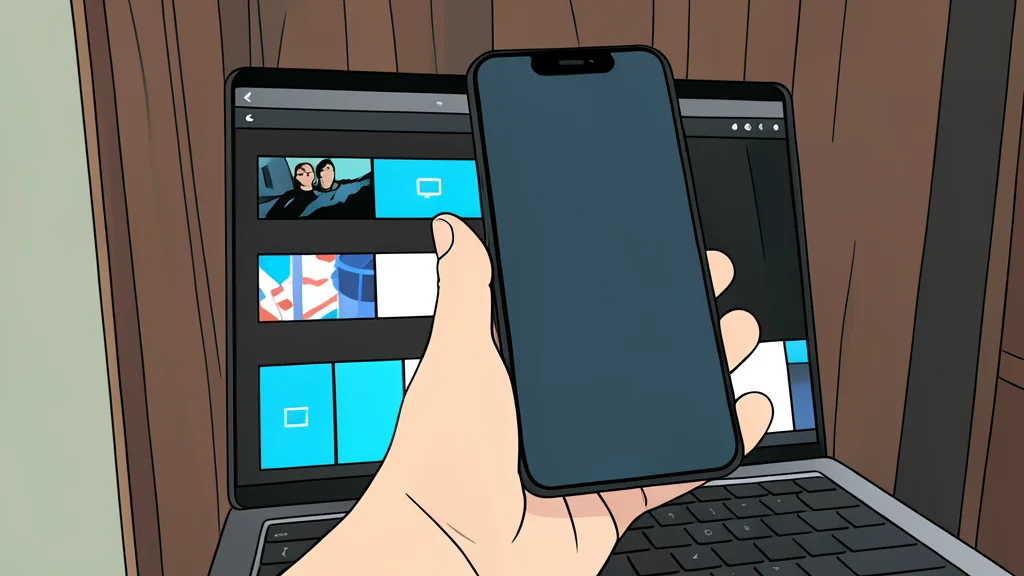
A budget smartphone can stream media from a home server without storing files, but requires root access and older software versions.
Key points
- Root access is required to map network shares as local folders on Android.
- Users must install older 32-bit versions of Jellyfin because current releases dropped support.
- The setup depends on a stable connection to a home server, causing slower scan times.
An aging budget Android smartphone can function as a media server, a task usually reserved for dedicated hardware. By running the open-source Jellyfin software within a Linux terminal environment, the device streams content from a home network without storing the heavy video files locally.
This setup relies on a specific combination of tools to bridge the gap between Android and server software. While the phone handles the processing, the actual media library remains on a separate home server, accessed via a network share.
Root access enables network mapping
Successful deployment requires rooting the device, a step that goes beyond simple app installation. Root privileges allow the operating system to write configuration files needed to treat a remote network share as a local folder. Without this access, the phone cannot properly integrate the external storage path required by the media server.
To create the necessary Linux environment, users install Termux, a terminal emulator that provides a lightweight Linux system on Android. This avoids the need to replace the entire operating system. However, the phone must be stripped of unnecessary background processes, such as telephony services and notifications, to prevent interruptions during streaming.
Archived software supports older chips
A significant limitation arises from the phone's 32-bit processor architecture. Current versions of Jellyfin have dropped support for 32-bit ARM devices, meaning users must download older builds from the project's archives. This requirement restricts the setup to specific hardware models and prevents the use of the latest security updates or features.
According to reports from XDA Developers, configuring this environment involves using a tool called proot-distro to install a Debian Linux distribution within Termux. The Jellyfin server runs inside this virtualized system. Users must manually adjust configuration files if the initial setup wizard fails to appear, adding a layer of technical complexity for non-experts.
Network dependency creates trade-offs
The system uses a tool called rclone to map the home server's storage onto the phone. This allows Jellyfin to access files as if they were stored locally, but the setup is heavily dependent on a stable network connection. If the home server goes offline, the media server on the phone becomes unusable.
Performance is also impacted by network latency. Initial library scans can take significantly longer than local storage reads, with one user reporting over 20 minutes for a single scan. Additionally, metadata retrieval may be inconsistent, requiring manual intervention to fix missing information. The trade-off is avoiding the need to store large video files on the phone's limited storage, but at the cost of reliability and speed.