Four Portable Tools for Quick Network Fixes

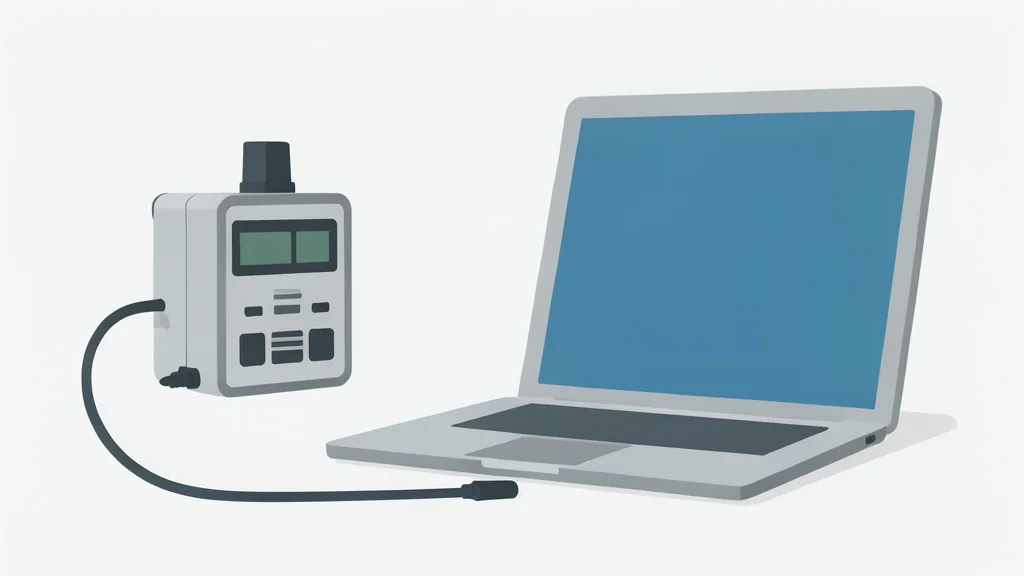
A small USB drive can hold essential software that runs without installation, offering a reliable way to diagnose network issues when standard fixes fail.
USB flash drives are often overlooked in favor of cloud storage, yet they remain valuable for specific technical tasks. By storing portable versions of diagnostic software on a thumb drive, users create a self-contained toolkit that works on different computers without requiring permanent installation. This approach is particularly useful for troubleshooting network problems in home offices or small business environments where immediate access to diagnostic tools is critical.
According to XDA Developers, maintaining a dedicated drive with network utilities helps identify slow connections, unrecognized devices, and configuration errors. The strategy relies on using lightweight, portable applications that can be run directly from the drive. This method ensures that even if a computer is compromised or misconfigured, the necessary tools to investigate and resolve the issue are available on external media.
Packet Analysis for Slow Connections
Wireshark Portable is a widely used tool for capturing and examining data packets as they travel across a network. It allows users to see exactly which devices are sending and receiving information, helping to pinpoint sources of congestion. If an internet connection feels sluggish, this software can reveal whether a specific application or device is consuming excessive bandwidth, allowing the user to disconnect it or terminate the process.
The tool is also effective for detecting unusual activity that might indicate unauthorized access to the network. Because it is a portable version, it does not require a full installation, making it ready for immediate use. This capability is a trade-off for the complexity of the interface, which requires some familiarity with network protocols to interpret the data effectively.
Scanning for Hidden Devices
Nmap is another essential utility that scans a network to list all connected devices, their open ports, and the services running on them. This is particularly useful for verifying that smart home devices or IoT gadgets are actually online and functioning correctly. By checking for open ports, users can also identify potential security vulnerabilities before they are exploited.
The software includes additional features such as Netcat, which facilitates file transfers over a local network without needing a server. While powerful, Nmap can be resource-intensive during scans, and interpreting the results requires careful attention to distinguish between legitimate services and potential threats.
Managing DNS and Resources
DNS Jumper simplifies the process of switching between different Domain Name System servers. This allows users to test which provider offers the best performance or bypass specific restrictions on blocked websites. It is a quick way to troubleshoot loading issues that arise from DNS resolution problems.
NetResView provides a consolidated view of all network resources, including computers, printers, and shared folders. This tool helps manage a large number of connected devices by displaying them in a single interface. While these tools offer significant control, they require a basic understanding of network architecture to use effectively, and misconfiguration can sometimes lead to connectivity issues.