Why Emulated Games Look Wrong on Modern Screens
Nostalgia isn't the only reason old games look worse today; they were engineered for a technology that no longer exists. A simple software tweak can restore the intended visual experience.
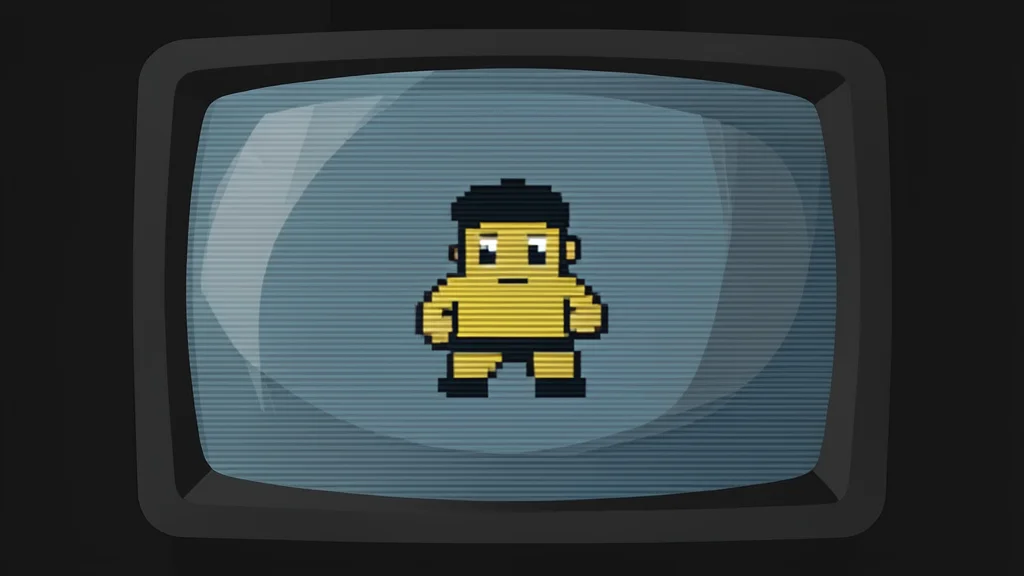
Many players who revisit their childhood favorites on modern hardware find the visuals disappointing. The games often appear sharper yet somehow inferior, lacking the fluid quality remembered from the 1990s. This discrepancy is not merely a trick of memory or rose-tinted glasses. It is a direct result of how these titles were originally designed to interact with the specific physics of Cathode Ray Tube (CRT) displays.
Older games were built to exploit the limitations of electron beam technology. Developers relied on the natural blurring and color bleeding of CRTs to create specific visual effects. When these games are run on modern Liquid Crystal Display (LCD) or OLED screens, those intended effects break down, leaving behind artifacts that look like glitches rather than artistic choices.
Electron beams created intentional visual blur
CRT screens did not use fixed pixel grids in the way modern monitors do. Instead, an electron beam scanned across the phosphor coating to create the image. This process inherently smeared adjacent colors together. Game designers took full advantage of this characteristic. In titles like the first Sonic the Hedgehog, transparency effects in the Green Hill Zone were programmed to rely on this horizontal bandwidth limitation.
On a modern flat-panel screen, every pixel is distinct and sharp. This clarity destroys the illusion that the developers crafted. Effects that were meant to look like smooth, flowing water or blended backgrounds appear as rigid, flickering grids. The result is a visual experience that feels harsher and less cohesive than the original broadcast intended.
Shaders simulate the original display conditions
The solution does not require purchasing vintage hardware. According to reports from XDA Developers, emulators like RetroArch include software components called shaders that can mimic the behavior of a CRT. These presets apply mathematical filters to the video output, reintroducing the slight blur and color blending that old games expect. The process involves updating the emulator’s shader library and selecting a specific preset designed to match the resolution and timing of the original console.
Enabling these settings changes the rendering pipeline so that the game’s graphics are processed as if they were being displayed on a tube television. This restores the intended aesthetic, allowing effects like the waterfall in Sonic the Hedgehog to appear fluid and integrated with the background. The trade-off is a slight loss of sharpness, which is precisely the point: the blur is not a defect but a feature of the original design language.
Accuracy trades off modern screen sharpness
While this method restores authenticity, it is not universally preferred. Some players may find the simulated blur distracting or prefer the crispness of modern displays. However, for those seeking the exact visual experience of the 1990s, this adjustment is essential. It bridges the gap between the hardware of the past and the screens of today, ensuring that the games are viewed as their creators envisioned them.