WallCalToDo Turns Spare Pi and Monitor into Synced Calendar
A new open-source project repurposes old hardware into a wall-mounted schedule tracker that mirrors phone updates in real time.
Key points
- WallCalToDo uses a Raspberry Pi and spare monitor to display Google Calendar and Microsoft To-Do data.
- Changes made on a smartphone sync to the wall display in real time via the connected accounts.
- A companion app manages settings and includes a privacy mode to hide schedule details from guests.
A new open-source project breathes new life into dormant electronics by transforming a Raspberry Pi and a spare monitor into a functional wall-mounted calendar. The system, known as WallCalToDo, serves as a digital tracker for daily schedules and tasks, offering a practical alternative to leaving hardware unused in a drawer.
The primary advantage of this setup is its integration with existing digital ecosystems. It connects directly to popular productivity tools, allowing users to view their commitments on a fixed display. As reported by XDA Developers, the project leverages standard hardware to create a centralized hub for personal planning.
Real-time synchronization with major apps
The system currently supports Google Calendar and Microsoft To-Do. It mirrors changes made on a smartphone instantly, ensuring the wall display remains accurate without manual updates. This synchronization means that any reminder added or completed on a mobile device appears immediately on the larger screen.
While the integration is useful, it is currently limited to these two major providers. The developer has indicated that support for other account types is in development, but users must currently choose between the supported platforms to utilize the real-time mirroring feature.
Managing settings through a companion app
To control the device, users install a dedicated companion application. This app allows for account management and configuration of how the calendar displays information. It also includes a specific privacy mode, which can be activated to obscure schedule details when guests are present.
The entire project is available on GitHub, meaning the code is open for inspection and modification. This openness allows users to verify the security of the connection and potentially expand the functionality to suit their specific needs, provided they have the technical knowledge to do so.
Hardware requirements and setup constraints
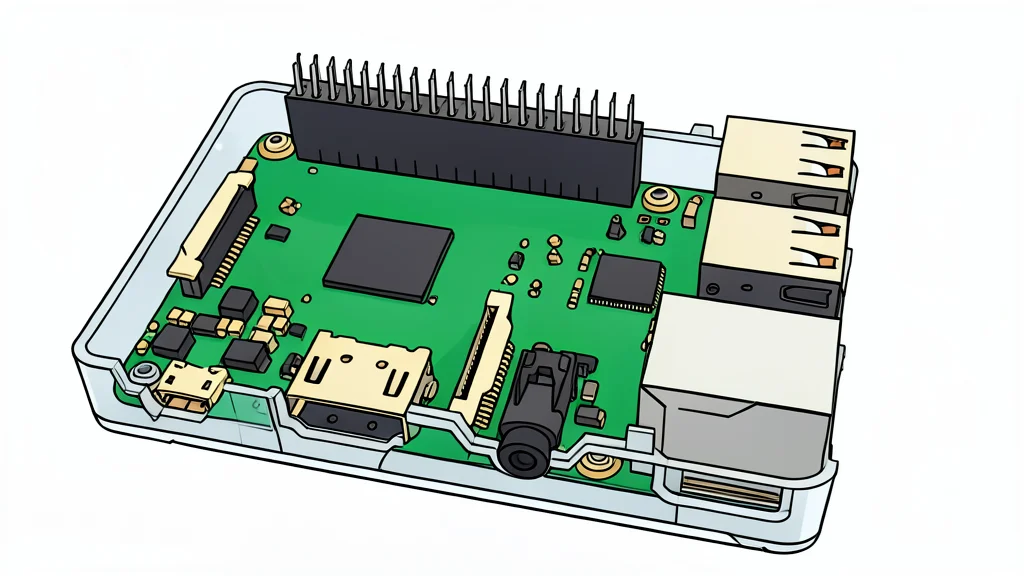
Building this system requires a Raspberry Pi 3B+ or a newer model, along with a monitor that is no longer in primary use. The setup is intended for a wall-mounted configuration, which may require additional physical hardware for mounting and power management.
The trade-off for this convenience is the dependency on a stable internet connection for the synchronization features to work. Without connectivity, the device functions as a static display rather than a dynamic, synced tracker, limiting its utility to showing pre-loaded data.