A Free Android App Turns Your Camera into a Practical Magnifier
WeZoom offers a simple, free way to zoom in on small details on Android, though it has specific limitations regarding image stability and professional use.
Many people rely on squinting or holding objects uncomfortably close to their eyes to read small text. A free application called WeZoom provides a digital alternative that uses the smartphone camera to magnify details up to eight times. This approach eliminates the need to dig through complex camera menus or purchase physical magnifying glasses for everyday tasks.
The tool is particularly effective for scenarios where standard zooming fails, such as reading cramped labels or poorly lit menus. While it is not a replacement for scientific equipment, it serves as a convenient utility for daily life. However, users should be aware that the app relies on live video feeds, which can be affected by hand tremors, and it does not capture high-resolution still images for later analysis.
Simple controls for quick magnification
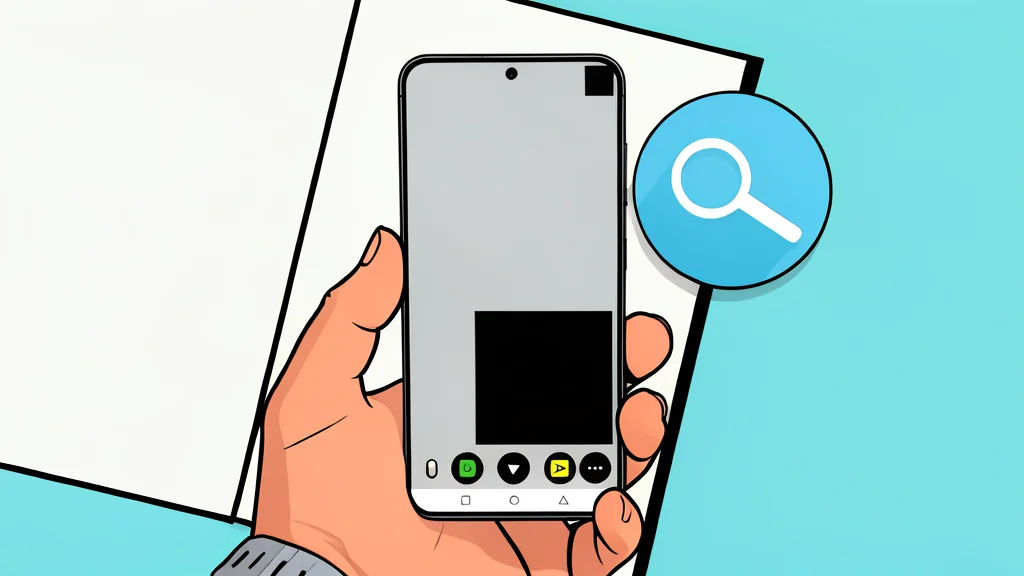
WeZoom prioritizes ease of use by launching directly into a live camera view. Users adjust the zoom level by swiping up or down on the screen, a gesture that is intuitive enough for those unfamiliar with the app to use immediately. The interface keeps controls at the bottom of the display, and a fullscreen mode is available to hide these buttons when maximum screen real estate is needed for viewing small details.
A key feature is the pause button, which freezes the live video feed. This is crucial for reading small text, as hand movements can cause the image to jitter in a standard live view. By freezing the frame, the user can stabilize the view and read the content without the distraction of motion blur.
Improved contrast for difficult reading
Size is not the only obstacle to readability; poor contrast and lighting often make text difficult to decipher. WeZoom addresses this with several color-filter modes, such as black on white or yellow on blue, which increase the distinction between text and background. These filters are especially useful for restaurant menus with light text on dark, textured backgrounds or in dimly lit environments.
The app also includes an adjustable filter threshold and exposure compensation controls. These settings allow users to fine-tune the image to their specific visual needs. According to GN technics/mobile (en-US), these adjustments make the tool accessible for people with low vision, turning a standard phone camera into a functional assistive device.
Uses beyond text and labels
While often associated with reading, the magnifier function is also useful for inspecting physical objects. Users can examine tiny markings on electronics, check small connectors, or inspect intricate details in crafting and jewelry making. It provides a closer look than the naked eye without the bulk of a handheld magnifying glass.
The trade-off for this convenience is the lack of precision. The app is designed for casual inspection and accessibility, not for professional microscopy. It does not offer the magnification power or optical clarity required for detailed scientific analysis or repair work. For most everyday tasks, however, it bridges the gap between squinting and using specialized equipment.