Apple Updates HomePod Software with New Mixing Features
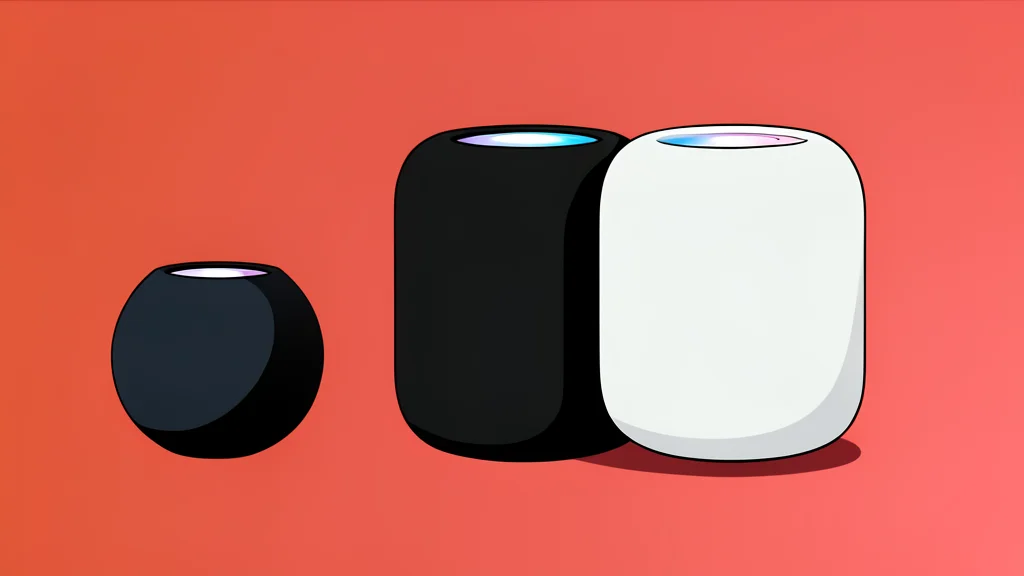
Apple has rolled out a new software version for its smart speakers, focusing on smoother music transitions and faster wireless connections.
Apple has released HomePod Software 27 for both the standard HomePod and the HomePod mini. This update arrives alongside the latest operating systems for iPhones, iPads, and Macs. The primary goal is to enhance how users listen to music through the speakers, specifically by introducing a new feature that mimics the behavior of a disc jockey.
According to reporting from MacRumors, the update includes improvements to AirPlay performance. This means sharing audio from an iPhone, iPad, or Mac should feel faster and more responsive. The software also includes routine bug fixes and security patches to keep the devices running smoothly.
AutoMix creates continuous playback
The headline feature is support for AutoMix when using Apple Music. Instead of stopping completely between tracks, the speaker analyzes the rhythm and tempo of the current song. It then stretches or compresses the audio slightly to match the next track, creating a seamless transition. This eliminates the silence that usually separates songs, resulting in a continuous listening experience.
However, this feature has a specific catch. It only works with Apple Music subscriptions. Users who stream music from other services like Spotify or Amazon Music will not see these DJ-style transitions. For them, the update offers only the general performance and security improvements.
Faster wireless connections improve sharing
The update also targets the underlying technology that allows devices to send audio to the speaker. Apple states that AirPlay performance is improved, which should reduce lag when starting or stopping playback. This is particularly useful for households with multiple Apple devices trying to share audio sources with the HomePod.
Installation requires manual or automatic steps
Users can install the new software by opening the Home app on an iPhone, iPad, or Mac. From there, selecting the More button and navigating to Home Settings will reveal a Software Update option. If automatic updates are enabled in the user's settings, the HomePod will install the new version in the background without any action required.