Claude Code Users Overlook Custom Slash Commands for Automation
A widely used AI coding tool features simple text-file shortcuts that many users ignore in favor of complex skill configurations.
Key points
- Custom slash commands in Claude Code are created via simple Markdown files in a specific directory.
- Unlike auto-invoking skills, slash commands require manual input, providing deterministic control over execution.
- Built-in commands like /compact and /rewind are essential for managing context limits and session stability.
Many professionals using Anthropic's Claude Code have spent months building complex prompt libraries while ignoring a simpler, built-in feature. The tool offers custom slash commands that function as direct shortcuts, yet users often overlook them because they assume these commands are redundant.
According to a recent report by XDA Developers, the issue stems from a misunderstanding of how these shortcuts differ from the tool's newer "skills" feature. While skills operate automatically based on context, slash commands require manual input, offering deterministic control that many users failed to appreciate until they tried to streamline their workflow.
Simple text files drive custom shortcuts
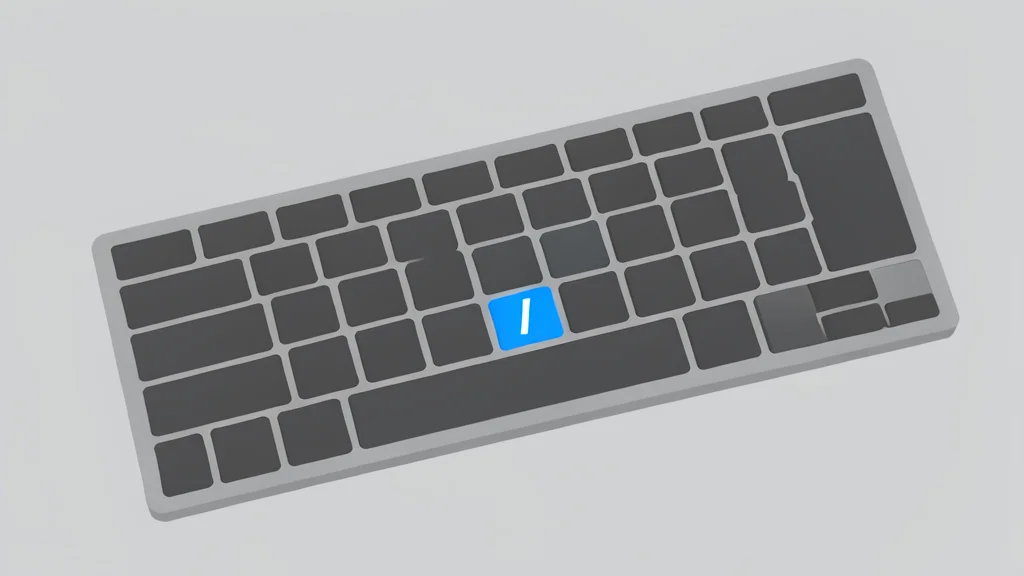
The mechanism for creating custom commands is deceptively simple. Users create a Markdown file in a specific directory, such as .claude/commands/, and the file name becomes the command. For example, a file named deploy.md creates a /deploy command that sends the file's content as a prompt. This approach allows for precise, repeatable actions without relying on the AI to guess intent.
Although the tool recently introduced "skills" that can auto-invoke, the manual nature of slash commands remains valuable. It removes the uncertainty of automatic triggering, ensuring that specific tasks execute exactly as intended. This distinction is crucial for workflows where predictability matters more than automation.
Built-in tools manage session efficiency
Beyond custom shortcuts, the tool includes about forty built-in commands for session management. Key functions include /clear to wipe context, /compact to summarize long conversations, and /rewind to restore earlier states. These commands help manage the limited context window, which is critical for maintaining performance during extended coding sessions.
Users are advised to master these foundational commands before creating custom ones. Features like /doctor for diagnostics and /init for project setup provide essential administrative controls. Relying on these built-in tools reduces the need for complex external scripts and keeps the workflow streamlined.
Manual control prevents unintended actions
The primary trade-off between skills and slash commands is control versus convenience. Skills save time by triggering automatically, but they can sometimes misinterpret context. Slash commands require the user to type the trigger, but they guarantee that the correct prompt is sent. For critical tasks, this manual step is a feature, not a hindrance.
Adopting this approach requires a shift in mindset. Instead of viewing the AI as an autonomous agent, users treat it as a precise instrument. This method ensures that complex workflows remain stable and predictable, addressing a common pain point in AI-assisted development where unexpected behaviors disrupt productivity.