Google's Gemini App Challenges Microsoft's Copilot on Windows
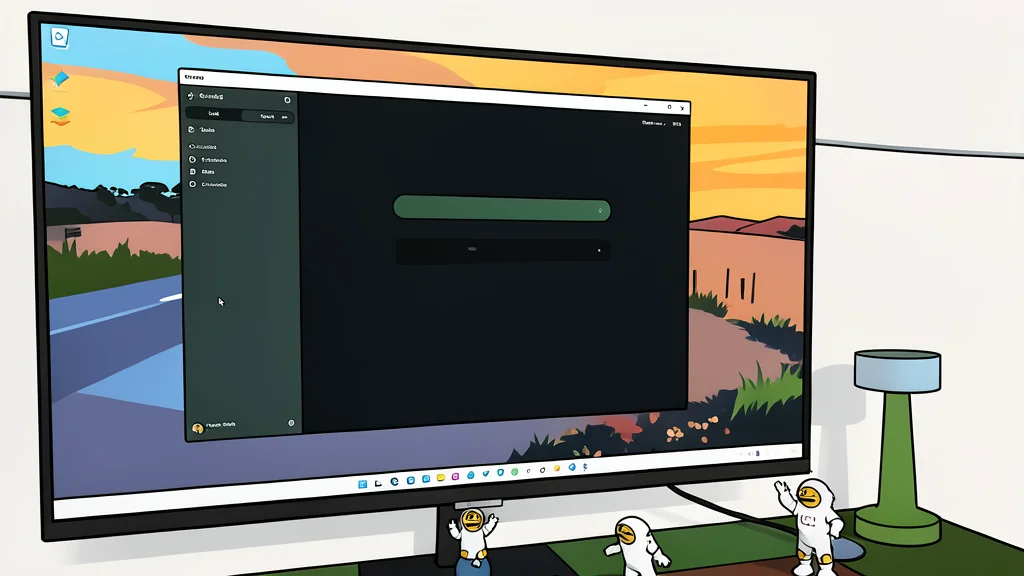
Google has launched a dedicated Gemini application for Windows, offering a more integrated experience that highlights gaps in Microsoft's current Copilot strategy.
Google has released a native desktop application for its Gemini AI assistant on Windows, a move that directly challenges the dominance of Microsoft's Copilot. While Microsoft holds the home-field advantage with its operating system, the new Gemini app offers a level of integration and functionality that many users feel Copilot lacks. The release suggests that the competition for AI integration on personal computers is intensifying, with Google aiming to capture users who want more than just a chatbot window.
The core difference lies in how each company approaches utility. Microsoft has struggled with a fragmented strategy, recently merging two separate Copilot apps into one while planning another all-in-one experience. In contrast, Google has focused on a cohesive toolset that connects its various services. This unified approach allows users to perform complex tasks without switching between different web browsers or standalone applications, creating a smoother workflow for daily productivity.
Gemini Notebook offers more research flexibility
One of the most significant advantages of the Gemini app is its Notebook feature, which functions as a dedicated research workspace. Unlike the Microsoft equivalent, which feels restrictive and beta-like, Gemini allows users to import a wide variety of content sources. Users can add YouTube videos, upload Markdown files, and pull in documents to build a comprehensive view of a topic. This flexibility turns the notebook into a true learning environment rather than a simple file dump.
The integration with Google's ecosystem further amplifies this capability. For example, a user can ask Gemini to summarize an email from Gmail, create a task in Google Tasks, and save a note in Keep Notes, all within the same interface. Microsoft's Copilot, while capable of basic file handling, does not offer the same seamless connection to its broader suite of consumer applications. This gap in ecosystem integration is a critical trade-off for users who rely heavily on Microsoft's own services, such as OneDrive and OneNote, where the process for adding sources is often manual and less intuitive.
Creative tools lead in image precision
Beyond text-based tasks, the Gemini app provides superior creative tools for generating images and videos. In direct comparisons, Gemini often follows complex prompts with greater accuracy, picking up on specific details regarding lighting, placement, and accessory types that Copilot might miss. For users who use AI generation to visualize specific layouts or concepts, this precision is a notable improvement. The ability to handle both static images and video generation within a single desktop application gives it a functional edge over competitors that may split these features across different platforms.
However, the choice between these two assistants ultimately depends on existing user habits. While Gemini offers a more cohesive experience for those already invested in Google's services, Microsoft users may still find Copilot sufficient for their needs, particularly if they are deeply embedded in the Microsoft 365 ecosystem. The trade-off is clear: Google offers a more polished and integrated creative and research suite, while Microsoft relies on its deep system-level access to Windows. As noted by XDA Developers, the inconsistency in Microsoft's strategy leaves a window of opportunity for Google to capture users seeking a more stable and feature-rich AI companion on their desktops.