Monet Launcher Offers a Simpler Alternative to Android TV
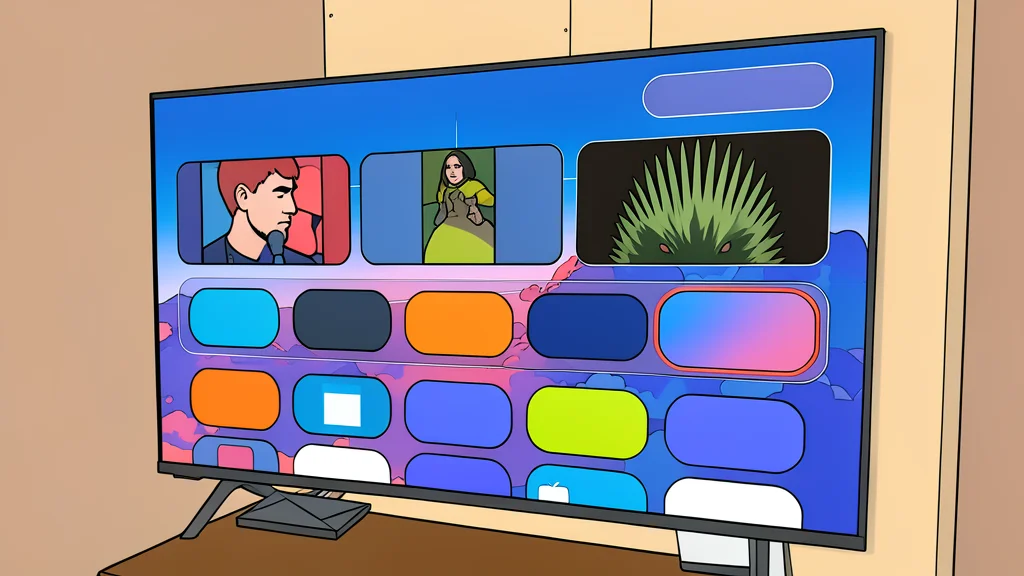
Monet Launcher provides a streamlined, customizable interface for Android TV, balancing elegance with functionality without the clutter of the default system.
The default home screen on Android TV devices is often criticized for being media-heavy, sluggish, and visually cluttered. While several third-party launchers exist to address these issues, they typically force users to choose between extreme minimalism and complex customization. Monet Launcher attempts to occupy the middle ground, offering a design that is both elegant and functional without requiring technical expertise to set up.
According to a recent review by XDA Developers, Monet stands out because it is available directly in the Play Store, eliminating the need for sideloading apps. This accessibility makes it a practical option for users who want to improve their interface but prefer not to navigate complex installation processes. The launcher focuses on making app selection and search easier while providing customization options that other lightweight alternatives often lack.
A Streamlined Interface for Daily Use
Monet features glossy icons with rounded corners and arranges apps in a clean, row-based layout similar to other smart TV systems. Users can pin their most frequently used applications to a status bar in the top-right corner or place them in a dedicated favorites row. This structure allows for quick navigation without scrolling through long lists of apps, significantly reducing the time spent searching for specific content.
The launcher also includes media cards that display a snapshot of the last watched content, helping users resume playback seamlessly. These cards can be configured to pull data from specific media players like Jellyfin or VLC. If the media cards interfere with faster app navigation, they can be disabled entirely, giving users full control over how much visual information the home screen displays.
Customization Options Behind a Paywall
While the base version of Monet is functional, the most impressive features are locked behind a premium subscription. The cost is a one-time fee of five dollars, which unlocks a wide range of themes and interface adjustments. Users can change the background, adjust colors, and tweak fonts to create a personalized look that matches their preferences.
The premium tier includes distinct themes that mimic other operating systems, such as a coding interface or a standard desktop layout with a taskbar. It also supports integration with other apps for dynamic backgrounds. However, the trade-off is that the free version lacks these specific aesthetic controls, meaning users who want a highly unique look must commit to the payment.
Performance Compared to Rivals
When compared to Projectivy, another popular alternative, Monet is slightly less fluid in its animations. Projectivy is often considered more responsive and offers a few additional configuration options that some users prefer. However, Monet remains a strong contender due to its ease of use and lower barrier to entry, as it does not require manual installation from external sources.
The primary catch for potential users is the perceived clunkiness of the interface compared to smoother competitors. Despite this, the ability to pin apps for quick access and the extensive customization available in the premium version make it a worthwhile upgrade for those dissatisfied with the stock Android TV experience. It serves as a balanced solution for users who want simplicity without sacrificing functionality.