Five Practical Uses for Your NAS's Spare USB Ports
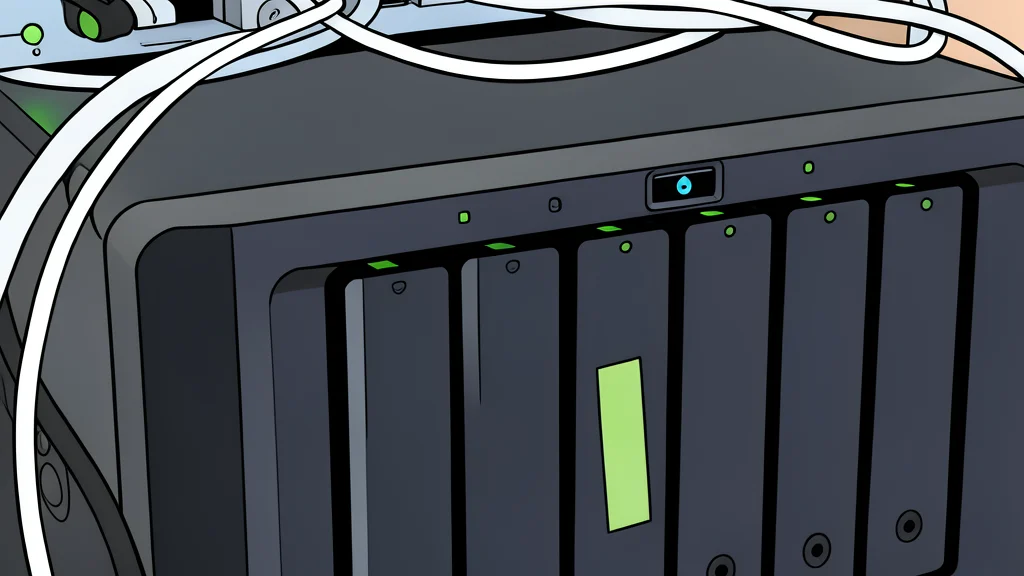
Most network-attached storage devices sit idle with unused ports, but a few simple peripherals can turn them into active network management tools.
Many home users treat their network-attached storage devices as passive file cabinets, leaving spare USB and Ethernet ports unused. However, these interfaces offer significant potential for extending the device's role beyond simple data retention. By connecting specific peripherals, a standard storage unit can evolve into a central hub for network stability, remote management, and lightweight artificial intelligence processing.
The primary advantage of this approach is the ability to leverage always-on hardware for critical background tasks. Instead of purchasing separate single-purpose devices for power management or monitoring, users can consolidate these functions onto existing infrastructure. This reduces clutter and energy consumption while ensuring that essential network services remain available even when other computers are powered down.
Protecting data with power backup
Power outages pose a significant risk to storage devices, potentially corrupting data or damaging drives during sudden shutdowns. Connecting an uninterruptible power supply via USB allows the storage system to detect power loss and initiate a graceful shutdown. This prevents file system errors that are common when disks are cut off from power abruptly.
Beyond self-preservation, the storage device can act as a shutdown server for the rest of the home network. Using open-source software, it can broadcast shutdown signals to other connected devices, ensuring laptops and servers power down safely. This creates a coordinated response to power outages, protecting the entire home lab from data loss without requiring constant human intervention.
Expanding connectivity and management options
Most storage units ship with limited USB ports, which are often insufficient for transferring data from multiple sources simultaneously. Adding a powered USB hub solves this bottleneck, allowing users to connect SD card readers, external drives, or other peripherals directly to the storage unit. This offloads transfer tasks from personal computers, freeing up their ports and reducing network congestion during large file moves.
For more advanced network management, a USB-to-serial adapter can transform the device into a console server. This enables remote access to enterprise-grade switches or routers that require serial connection for configuration. As reported by XDA Developers, this setup eliminates the need to physically move a laptop to the network rack for routine maintenance, providing a reliable management channel that remains accessible even if other network services fail.
Adding AI capabilities via USB
While most storage devices lack the internal graphics processing power for heavy artificial intelligence tasks, external accelerators can bridge this gap. A USB-based AI accelerator stick provides dedicated processing power for tasks like image identification and facial recognition. This allows users to run intelligent media organization software on older hardware that would otherwise struggle with these computational demands.
However, this upgrade comes with a notable trade-off. The specific hardware required for this function is no longer produced by major manufacturers, meaning users often must seek out second-hand units from online marketplaces. While this solution is cost-effective and highly effective for lightweight AI tasks, the lack of official support and hardware availability makes it a niche option compared to more mainstream expansion methods.