NFC Slot Turns DVD Cases into Cartridges
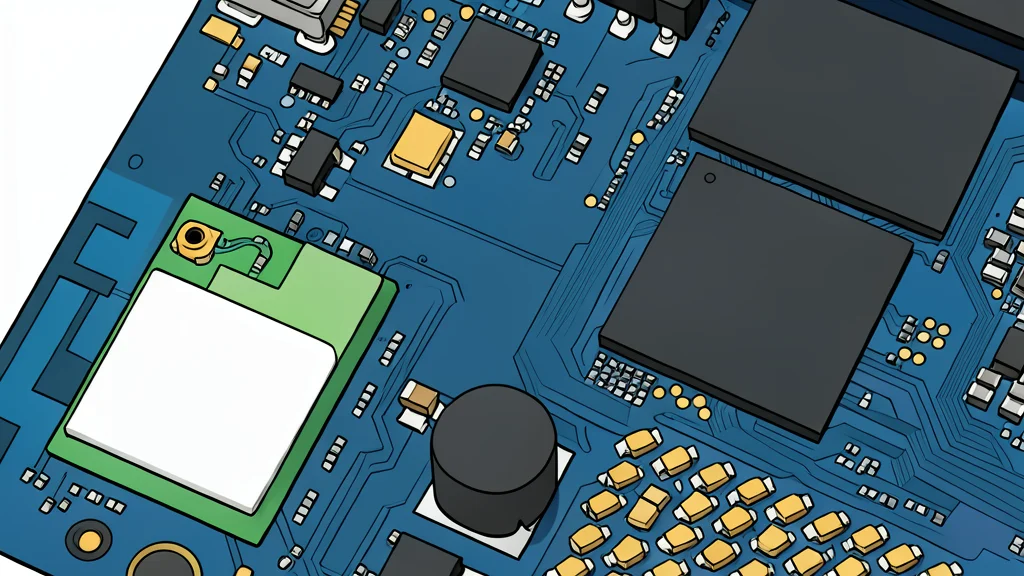
A new Arduino project lets you insert a physical DVD case into a slot to instantly play a digital file, bridging the gap between physical ownership and digital convenience.
A hobbyist developer has created a device that allows users to treat physical movie cases like video game cartridges. By inserting a DVD case into a custom 3D-printed slot, the system scans an NFC tag and triggers the playback of a corresponding digital file stored on a hard drive. This setup eliminates the need to navigate through digital libraries manually, offering a tactile experience for selecting films.
The project, shared by a user on the Arduino subreddit, combines an Arduino microcontroller with an RFID module and a simple Python script. The core function is straightforward: the scanner reads a unique code from a sticker on the back of the DVD case, sends that data to a computer, and uses a lookup file to identify the correct video file to open. This creates a direct link between the physical object and the digital content.
How the Physical Digital Link Works
According to XDA Developers, the mechanism relies on a specific sequence of hardware and software interactions. An NFC sticker is affixed to the back of each DVD case. When the case is placed into the slot, the RFID module captures the tag's unique identifier. This code is transmitted to a laptop running a Python script that starts automatically upon boot.
The script then searches a text-based lookup file for the scanned code. Once it finds a match, it retrieves the associated movie filename and locates the corresponding video file in a designated folder on the hard drive. The final step is the automatic launching of the media player to start the film. The entire process is designed to be seamless, requiring only the physical action of inserting the case and pressing a large red button.
Random Selection for Indecisive Viewers
The system also includes a feature for users who struggle with choice. By labeling specific cases with genre names rather than specific titles, the device can function as a randomizer. When a genre-labeled case is scanned, the software selects a random movie from that category and begins playback immediately.
If the randomly selected film is not to the viewer's liking, pressing the button again triggers a new random selection from the same genre. This allows for a quick, tactile way to browse options without scrolling through digital lists. The trade-off is that this feature requires the user to maintain a separate set of genre-labeled cases, adding to the physical clutter of the collection.
Limitations and Availability of the Project
While the project offers a novel way to interact with a media library, it is not currently available as a kit or open-source repository. The creator has not released the full code or design files publicly. However, the detailed description provided in the community post offers enough information for others to attempt a similar build.
The main catch for potential replicators is the requirement for pre-digitized content. The system does not rip or read the physical discs; it only triggers the playback of files that must already exist on the hard drive. Users must ensure their digital library is organized and named in a way that matches the lookup file, which adds a layer of maintenance to the convenience of the physical interface.