Filesystem Integrity Matters More than Raw Speed for Photo Storage
For most home users, choosing a robust filesystem offers more value than buying the fastest available drives.
Many people assume that storing large photo libraries requires high-speed solid-state drives to ensure quick access. However, recent insights from XDA Developers suggest that this assumption is largely incorrect for typical home use. The choice of filesystem often provides more tangible benefits than raw disk throughput.
The primary value of a specialized filesystem like ZFS lies in data protection rather than speed. While fast drives help with bulk transfers, they do nothing to prevent silent data corruption. For a family photo archive, the ability to detect and repair errors automatically is far more critical than shaving seconds off a file load.
Browsing photos does not stress storage hardware
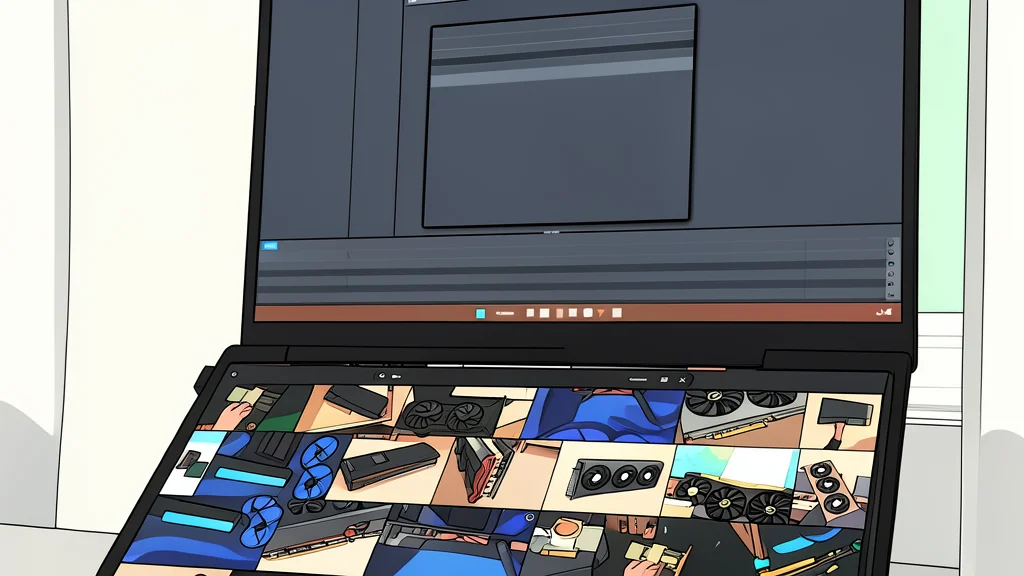
When you scroll through a photo app, the software does not load the full-resolution original files. Instead, it serves smaller, pre-generated thumbnails. These small files are easy for even slow spinning disks to handle. The heavy processing, such as face detection and search indexing, happens on the CPU and GPU, meaning a faster hard drive will not make these tasks finish quicker.
Silent corruption is the real danger
Standard filesystems like NTFS or ext4 simply trust that data written to the disk remains intact. They do not verify the data after writing it. If a bit flip or bad sector occurs, the system will serve the corrupted file without warning. You might not notice until you try to open a video, by which point the damage is already done.
ZFS solves this by using checksums. It constantly verifies that the data on the disk matches what was originally written. If it finds an error, it automatically retrieves a clean copy from the second drive in a mirror setup and repairs the bad block. This happens in the background, ensuring your library stays safe without any manual effort.
Fast drives only help with bulk work
There are specific scenarios where drive speed matters, such as editing high-resolution video directly from the storage or transferring large files in bulk. In these cases, spinning disks have a clear performance ceiling. However, for a typical photo library accessed by a few family members, this limitation is rarely a practical issue.
It is also worth noting that you do not have to sacrifice speed for safety. ZFS works on solid-state drives as well. But for the average user, the added cost of fast SSDs is not justified if the main goal is simple, reliable access to personal memories.