Raspberry Pi Beats Chromecast for Buffering-Free Self-Hosted Media
A used Raspberry Pi with Kodi offers a stable, wired alternative to Chromecast for Jellyfin users, though it lacks the convenience of major streaming apps.
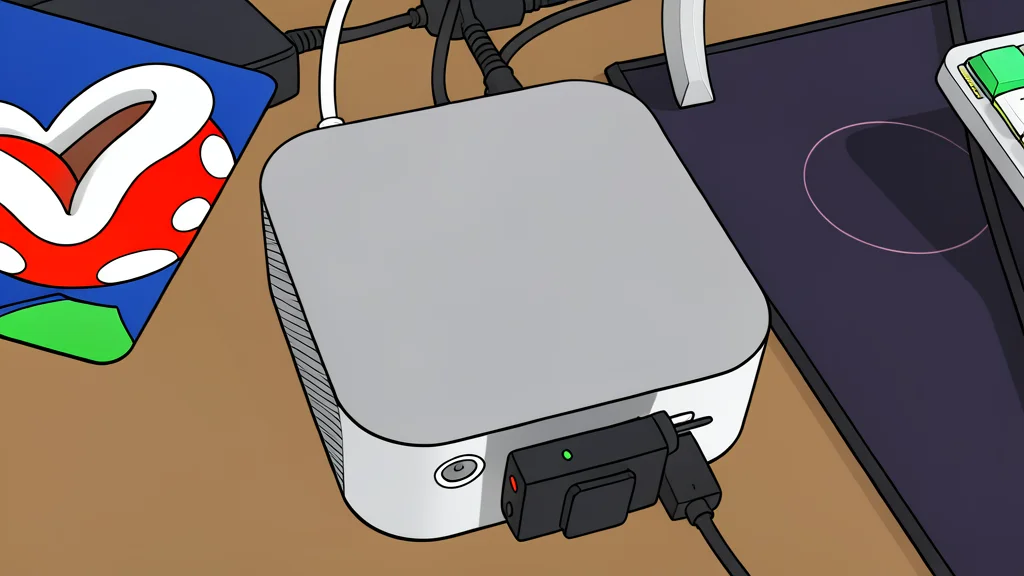
For many self-hosted media enthusiasts, buffering remains a persistent frustration. While devices like Chromecast are convenient, they often struggle with high-bitrate content from servers like Jellyfin due to bandwidth limitations and software constraints. One user decided to replace their aging Chromecast with a used Raspberry Pi 4, aiming to create a dedicated, reliable media client that handles demanding video files without interruption.
The switch yielded immediate results. By installing a lightweight operating system focused on media playback, the setup eliminated the stutters previously experienced. This approach transforms a low-cost single-board computer into a robust receiver, but it requires specific hardware choices and a willingness to manage a more technical setup than a plug-and-play streaming stick.
Choosing the right hardware matters
Not all Raspberry Pi models are suitable for this task. According to XDA Developers, the success of this setup depends heavily on the specific model and its memory. The user opted for a Raspberry Pi 4 Model B with 4GB of RAM, which proved sufficient for smooth playback. Lower-end models are generally not recommended because the operating system used, LibreELEC, has weaker video support on older hardware. This creates a trade-off: while older boards are cheaper, they may fail to handle modern video codecs efficiently, leading to the very buffering issues the user sought to avoid.
Wired connections improve stability
A significant advantage of using a Raspberry Pi over a Chromecast is the ability to use a wired Ethernet connection. Chromecast relies exclusively on Wi-Fi, which is susceptible to interference and signal drops. By plugging the Pi directly into the router, the user achieved a stable data stream. This is crucial for high-resolution content, such as 4K Blu-ray rips, which require consistent bandwidth. While the Pi does have Wi-Fi, the user noted that wireless connections were less reliable, making the physical cable a practical necessity for a buffer-free experience.
The setup lacks streaming app support
The primary limitation of this configuration is its focus on self-hosted libraries. The system is optimized for connecting to personal servers like Jellyfin, Plex, or Emby. It is not a direct replacement for a Chromecast if you rely heavily on commercial streaming services like Netflix or Disney+. While workarounds exist, they are often less stable or require additional community-developed software. Therefore, this setup is best suited for those who already maintain a local media library and prioritize playback stability over the convenience of a unified app interface.