Repurposing Old SSDs as Cache Boosts NAS Performance for Free
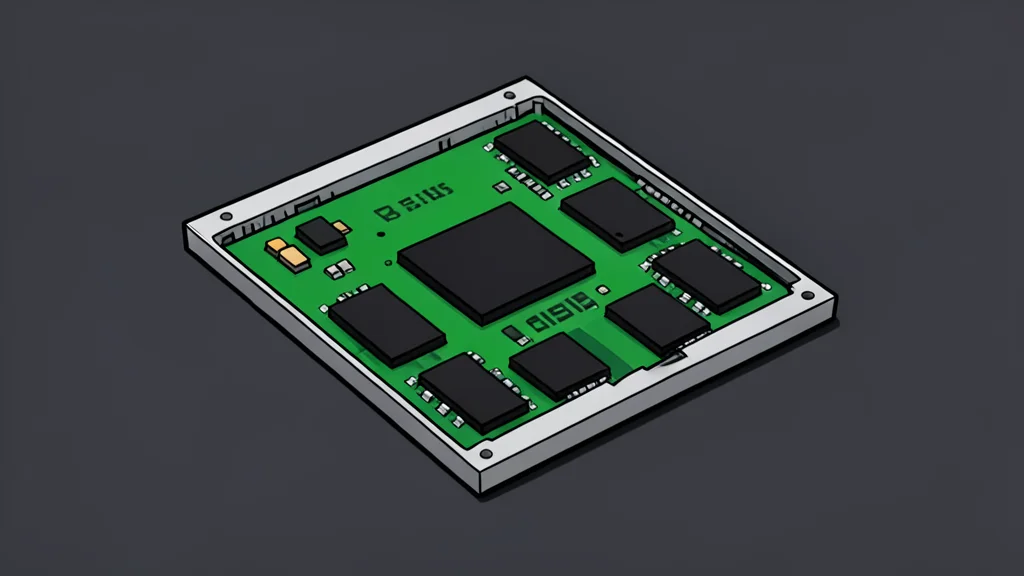
Using discarded solid-state drives as read caches improves network storage speed without the cost of new enterprise hardware.
Key points
- Repurposing old SSDs as read caches improves NAS performance for small-file workloads at no extra cost.
- Mechanical hard drives are inefficient at handling the random I/O required by modern home lab applications.
- Consumer drives lack enterprise-grade power loss protection, making them unsuitable for risky write-cache roles.
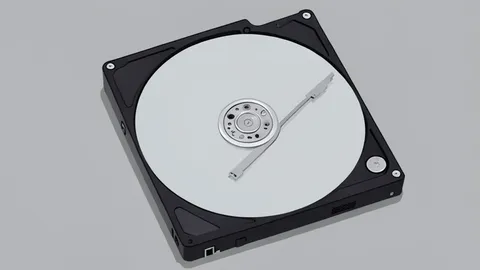
Many users have fast solid-state drives sitting unused because they are too small for primary storage in modern laptops. Instead of discarding these components or spending money on new enterprise gear, they can be repurposed to significantly enhance the performance of home network-attached storage systems.
This approach leverages the high speed of older drives to handle frequent small-file requests, allowing mechanical hard drives to focus on their strength: moving large continuous files. As reported by XDA Developers, this method transforms system responsiveness at a financial cost of zero dollars.
Mechanical drives struggle with random access tasks
Traditional hard drives are excellent for streaming large videos but inefficient for the thousands of tiny read and write operations that occur in modern home labs. When running virtual machines, media servers, or smart home assistants, these systems constantly access small database entries and log files.
This type of workload causes mechanical drives to slow down because they must physically move heads to find scattered data. In contrast, solid-state drives can handle these random tasks with sub-millisecond latency, preventing the system from feeling sluggish under load.
Safe usage methods protect data integrity
To use an old drive safely, it should be configured as a read-only cache or metadata pool rather than a primary storage volume. In this setup, the drive only stores temporary copies of frequently accessed data or directory structures.
If the recycled drive fails, no permanent data is lost because the original files remain intact on the main hard drives. This configuration effectively removes the bottleneck for file browsing and container startups without risking the integrity of the user's library.
Consumer drives lack enterprise durability features
A critical trade-off is that consumer drives do not have the robust power loss protection found in server-grade hardware. They also have lower total bytes written ratings, meaning they wear out faster under heavy, sustained write loads compared to specialized enterprise equipment.
Therefore, using these drives for synchronous write caching is risky. A sudden power outage could cause data corruption because the drive cannot guarantee that all pending writes are safely committed to the physical media. Users must stick to read-heavy roles to avoid these pitfalls.