Google Data Shows Cool Drives Fail More than Warm Ones
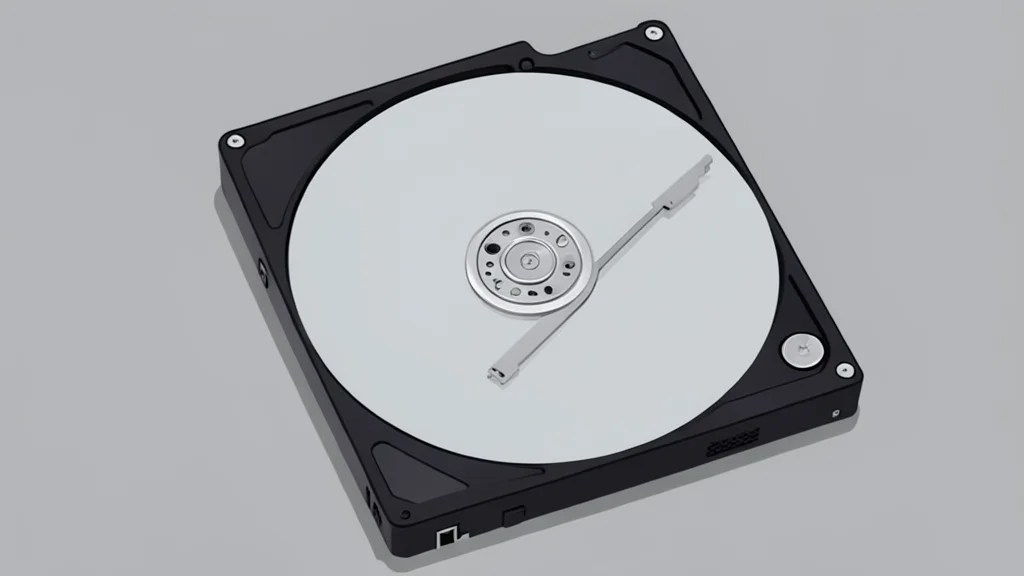
A Google study of 100,000 drives found cooler units failed slightly more often, challenging common cooling advice.
Key points
- Google's study of 100,000 drives found no correlation between cooler temperatures and higher reliability.
- Internal drive sensors detect heat but fail to identify environmental causes like humidity or airflow issues.
- Manufacturer specs limit rapid temperature changes and humidity levels, risks that room sensors can monitor.
Home server enthusiasts often obsess over keeping hard drives cool, assuming that lower temperatures guarantee longer lifespans. However, new analysis of large-scale data suggests this belief is largely a myth. The real danger to storage hardware often comes from environmental extremes that internal sensors miss entirely.
As reported by XDA Developers, the consensus among drive manufacturers and data center operators is shifting. While a cheap room thermometer seems like a minor accessory, it may be more critical for data preservation than the expensive cooling fans installed inside the server rack.
Cooler drives did not last longer
In 2007, Google published a study analyzing over 100,000 hard drives in its data centers. For nine months, they logged the internal temperature of every unit. The results contradicted the common wisdom that heat is the primary killer of mechanical drives. Warmer drives did not fail at a higher rate than cooler ones.
In fact, the data showed a slight increase in failure rates for cooler drives. Only the hottest drives showed a significant rise in failures, and this pattern was mostly limited to units that were three or more years old. Backblaze confirmed these findings in 2014 with a sample of 34,000 drives, finding no significant link between temperature and failure within normal operating ranges.
Room sensors catch environmental risks
If temperature itself is not the main threat, why do experts recommend monitoring it? The answer lies in what the internal drive sensor cannot detect. A drive temperature alarm tells you the unit is hot, but not why. It does not alert you to a broken air conditioner, a blocked ventilation duct, or an open door letting in humid air.
A simple room thermometer placed where the server intake air enters can catch these environmental issues before they affect the hardware. This provides an early warning system for the actual cause of temperature spikes, rather than just reacting to the symptom. Placing the sensor correctly is crucial, as it should measure the air the drives breathe, not the heat radiating from the case.
Spec sheets warn against rapid changes
Manufacturer documentation reveals additional risks that simple cooling ignores. Seagate’s IronWolf Pro drives, for example, have a temperature ceiling of 140°F (60°C), but also a limit on how fast the temperature can change. The spec sheet restricts shifts to no more than 36°F (20°C) per hour.
This means a sudden temperature swing is more dangerous than a consistently warm environment. Humidity is another critical factor, with specs requiring levels between 5% and 95% without condensation. Western Digital’s reliability estimates also assume a baseline of 104°F (40°C), with performance dropping above that threshold. A room sensor logs these environmental variables, covering the full scope of the spec sheet for under $30.