Why Cheap Enterprise Routers Often Fail at Home
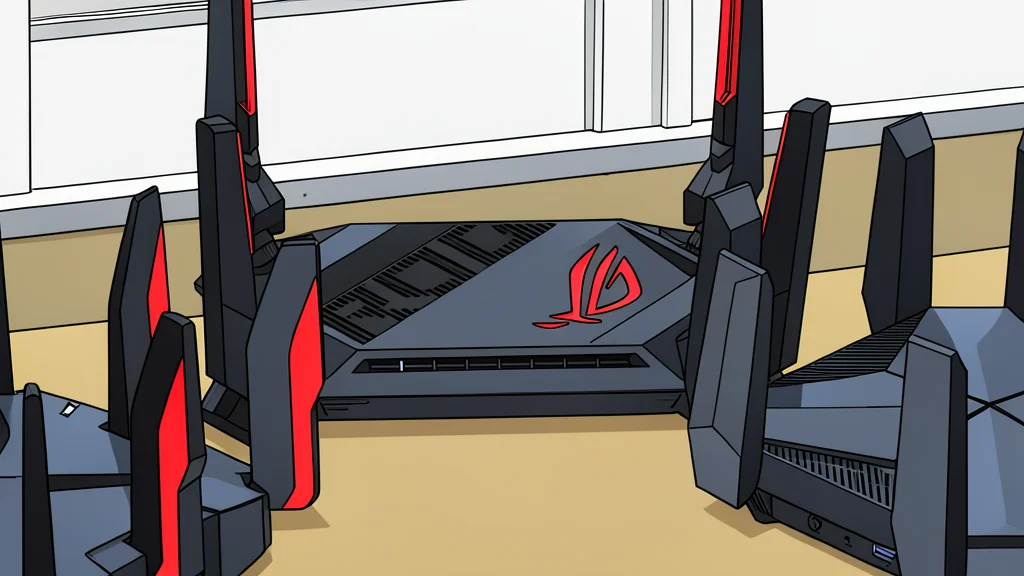
A used Cisco access point costs less than a pizza, but it lacks the power source and software support needed to function as a standalone home router.
For six weeks, I replaced my internet service provider’s gateway with a white, circular Cisco Aironet 2802i. The device cost less than a large pizza and promised serious performance. Like many enthusiasts who favor old enterprise gear, I expected high capability for a low price. The reality was that the hardware is built for a completely different environment than a home office.
The core issue is that this equipment requires specific infrastructure to operate. It is not a plug-and-play solution. Instead, it assumes a professional setup with dedicated power delivery and centralized management. For a casual user, this creates a gap between what the device can do and what the average home network can support.
Power Requirements Are Not Standard
The first hurdle is physical. The box contains only the access point itself. There is no power adapter, no wall plug, and no standard Ethernet cable included. The device requires Power over Ethernet Plus, or PoE+, to function. This means it needs a network switch that can send electrical power through the data cable. Standard home routers often provide a lower power standard, which is insufficient for this model.
If you connect it to a standard power source, the device will boot up and appear to be working. The status lights will cycle through colors, and the network controller will recognize it. However, the Wi-Fi radios will remain off. You will have a device that looks active but broadcasts no signal. This silent failure is worse than a hard crash because it misleads the user into thinking the setup is correct.
It Lacks Basic Router Functions
The second major limitation is functional. This is an access point, not a router. It has no modem, no Network Address Translation, and no firewall. It does not have a Wide Area Network port to connect to your internet line directly. It is designed to extend an existing network, not to create one. You still need a separate device to handle the internet connection and security.
Furthermore, the device is designed to be controlled by a central wireless LAN controller. In its default state, it boots up and waits for instructions from a server. If no controller is present, it will not broadcast a Wi-Fi name. While there is a version that includes local control software, listings for used hardware rarely specify which version is being sold. You may end up with a device that is essentially a brick without the proper software configuration.
Software Support Is Permanently Closed
The final and perhaps most critical catch is software support. According to XDA Developers, finding reliable information on these older devices is difficult because the vendor has closed the door. Cisco requires a valid service contract to download software updates. However, the window to purchase such a contract for this specific model closed in late 2023.
This means no one can buy official support today. The manufacturer stopped releasing security fixes for the underlying operating system in early 2025. Yet, security vulnerabilities continue to be identified. Using this hardware in a home network now means accepting that it will never receive official patches again. The low initial cost is offset by the permanent risk of running unsupported, vulnerable software.