Samsung Gallery Switches Backup to Google Photos
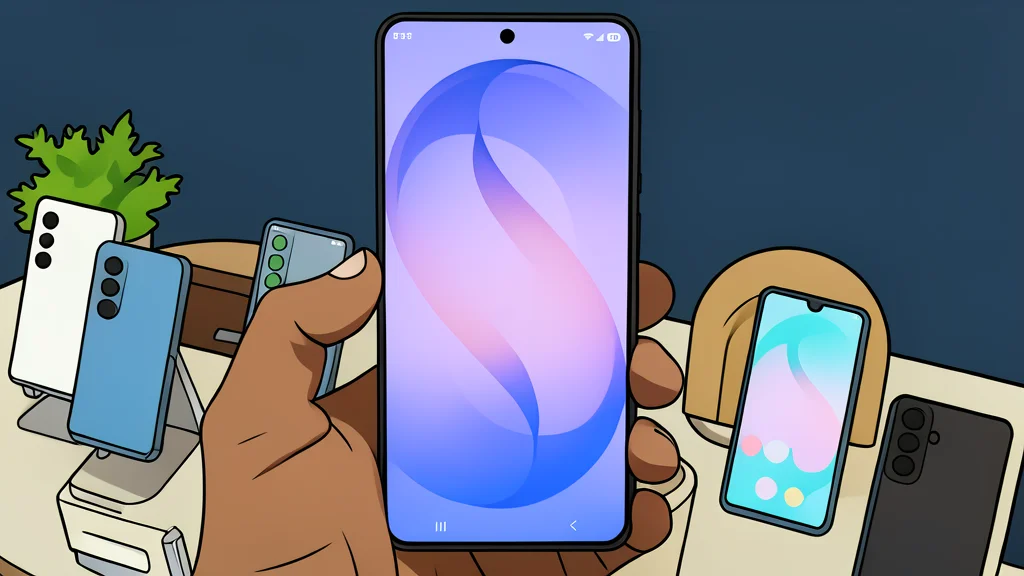
Samsung is ending its OneDrive integration in favor of Google Photos backup, changing how Galaxy users manage cloud storage.
Samsung is officially ending its long-standing partnership with Microsoft OneDrive for photo backups. Starting September 30, the direct sync feature that has been part of the Galaxy experience for over a decade will be discontinued. In its place, Samsung is introducing a direct integration with Google Photos, allowing users to back up their media through the native Gallery app without leaving the interface.
This shift marks a significant change in how Samsung handles cloud storage for its user base. For years, OneDrive was the default choice for automatic uploads, often running quietly in the background. Now, that responsibility is being handed over to Google, a move that simplifies the ecosystem for many users who already rely on Android and Google services for their daily digital life.
The end of the OneDrive era
The decision to drop OneDrive comes after more than ten years of collaboration between Samsung and Microsoft. While the previous setup allowed for convenient automatic uploads, it required users to maintain a separate Microsoft account just for photo storage. Many users, including those noted by GN technics/software, found this redundant since their phones already run on Android and use Google accounts for other tasks.
By moving to Google Photos, Samsung is aligning its backup strategy with the underlying operating system. This creates a more unified experience where the same account used for email, maps, and apps can also handle photo storage. For users who prefer a single ecosystem, this reduces the friction of managing multiple cloud services.
How to enable the new sync
The new feature is available in Gallery app version 15.9.01.7 and later, requiring Android 13 or a compatible Samsung device. To activate it, users must open the Gallery app, navigate to the Menu, and select Settings. From there, a new option labeled Sync photos and videos allows you to connect your personal Google account.
Once linked, the app can automatically back up new photos and videos. You can customize which folders are included, such as Screenshots or Downloads, or exclude the main camera roll entirely. This granular control lets you decide exactly what gets uploaded, offering a level of privacy and data management that the previous OneDrive setup did not always make easy to adjust.
Limitations of the new integration
Despite the convenience, this integration is not a full replacement for the Google Photos app. Samsung clarifies that the feature is designed strictly for backing up media, not for browsing your entire cloud library within the Gallery interface. If you want to view, edit, or organize your full photo history, you will still need to use the dedicated Google Photos application.
Additionally, if you disable syncing for specific albums, the Gallery app may behave as a read-only cloud viewer for those items, meaning it will display existing media but will not upload new files from that device. Users who prefer the old OneDrive method have until the cutoff date to complete any final backups, as the direct sync option will no longer be available after September 30.