Repurposing Old Tablets for Home Control
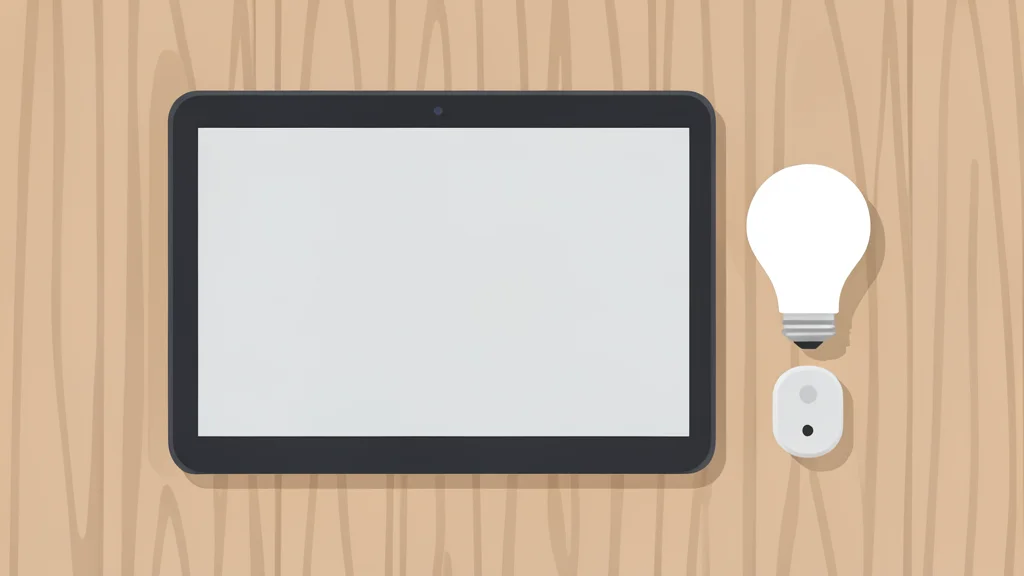
A forgotten Android tablet can become a dedicated smart home hub, offering a larger, more stable interface than a smartphone for managing household devices.
Many households accumulate older Android tablets that are no longer suitable for daily browsing or gaming due to outdated operating systems. However, these devices retain enough processing power and screen size to serve as effective control centers for smart home systems. By dedicating one of these units to a specific platform, users can create a permanent, wall-mounted interface that simplifies the management of lighting, security, and energy monitoring.
According to XDA Developers, this approach transforms a dusty piece of hardware into a functional tool that reduces the need to constantly unlock a smartphone. The tablet acts as a stationary gateway, allowing residents to check status or adjust settings from a fixed location without carrying a personal device around the house. This setup is particularly useful for those who prefer a hands-free or low-interaction method for monitoring their home environment.
Old Hardware Finds New Purpose
The viability of this solution depends on the tablet's remaining capabilities. A device with a multi-core processor and sufficient RAM, even if it no longer receives security updates, can run smart home applications smoothly. The large display area is a significant advantage over phones, as it allows for larger buttons and clearer data visualization. This makes it easier to glance at energy usage or security alerts without squinting at a small screen.
There is a trade-off, however. Since the tablet is dedicated to this single function, it cannot be used for other tasks like streaming media or communication. Furthermore, because it is often mounted on a wall, it must be positioned where it is easily accessible but not vulnerable to physical damage. Users must also ensure that the device remains connected to the home Wi-Fi network to maintain real-time control over their smart devices.
Simplified Control Interface Benefits
Using a dedicated tablet allows for the creation of custom dashboards that are optimized for touch interaction. Unlike generic smartphone apps, these interfaces can be designed with large, distinct controls for lights, plugs, and sensors. This reduces the cognitive load on the user, as they do not need to navigate through multiple menus or apps to change the state of their home. The experience feels more like operating a physical panel than a mobile application.
This setup also integrates well with security systems. For instance, a tablet can display the status of door and window sensors alongside alarm system states. While some integration may require third-party bridges or plugins, the result is a unified view of the home's security posture. This centralized information helps users respond quickly to potential issues, such as a window left open or an alarm triggered, without juggling multiple notifications on different devices.
Practical Setup Considerations
Implementing this system requires a stable internet connection and a compatible smart home platform. The tablet must be able to run the specific application required for control, which usually means it needs to support the latest version of the OS or have a compatible browser. Users should test the connection stability from the tablet's intended location to ensure that commands are sent reliably without lag.
Finally, it is important to consider the long-term maintenance of the device. Even if the tablet is not used for general purposes, it should be kept charged and updated as much as possible to prevent software conflicts. While the hardware may be aging, its role as a control panel is less demanding than gaming or video playback, extending its useful life in this specific context. This repurposing offers a cost-effective way to enhance home automation without purchasing new, dedicated hardware.