Native App Simplifies Nextcloud Access
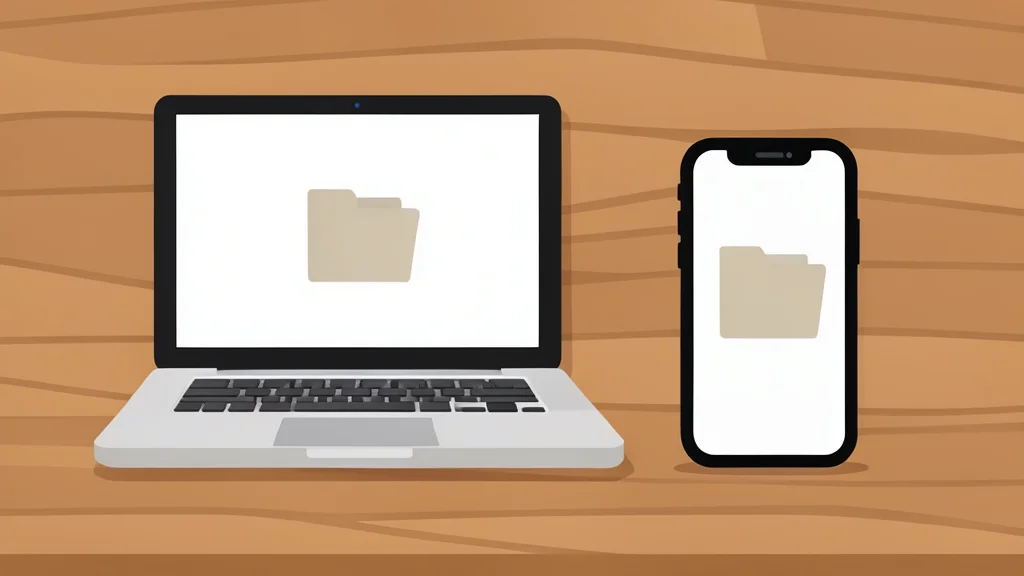
A new open-source client offers a faster, unified interface for self-hosted users who prefer dedicated applications over browser tabs.
Many self-hosters find the official Nextcloud mobile experience cumbersome, often relying on browser tabs for basic tasks like checking files or notes. This friction can lead to underutilization of personal cloud services, especially when users expect a seamless, app-like interaction on their smartphones or laptops.
An open-source project called Native has emerged as a streamlined alternative. By leveraging Nextcloud’s APIs to build a dedicated interface, it provides a faster and more cohesive way to access personal data without the overhead of a web wrapper. This approach turns a collection of separate services into a single, manageable workspace.
Unified Interface for Personal Cloud
Nextcloud offers a wide range of features, including files, photos, calendar, and mail, but these often feel like disconnected services when accessed through the standard apps. Native consolidates these elements into one view, allowing users to switch between functions without navigating multiple interfaces. This integration reduces the cognitive load of managing different web tabs for each specific task.
According to XDA Developers, the app handles file browsing, media preview, and text editing within a single environment. For Android users, it includes native file picker integration, which simplifies moving documents around the device. While the feature set is not drastically different from the official client, the presentation is significantly more intuitive and responsive.
Offline Access Improves Mobility
One of the most practical benefits of a native client is the ability to manage files without a constant internet connection. Native allows users to pin specific files for offline access, eliminating the need to maintain duplicate copies on the local device. This feature is particularly useful for professionals who need reliable access to documents while traveling or in low-signal areas.
The app also supports folder syncing, enabling users to designate local directories for automatic uploads or downloads. For example, a downloads folder can be linked to the cloud, ensuring that new files are backed up immediately. This two-way sync capability helps keep personal data organized without manual intervention.
Trade-offs of Early Development
Despite its advantages, Native is still in its early stages of development. This means some features may lack the polish or stability of mature commercial applications. Users should be aware that they are adopting a project that is still evolving, with potential for changes in functionality or interface design as it matures.
Additionally, the app relies on the Nextcloud server being available and properly configured. It does not replace the server itself but acts as a frontend. For users who prioritize absolute stability and long-term support over cutting-edge speed, the official apps may still be the safer choice. However, for those seeking a more efficient daily workflow, Native offers a compelling compromise.