Wrong M.2 Slot Quietly Caps SSD Speed
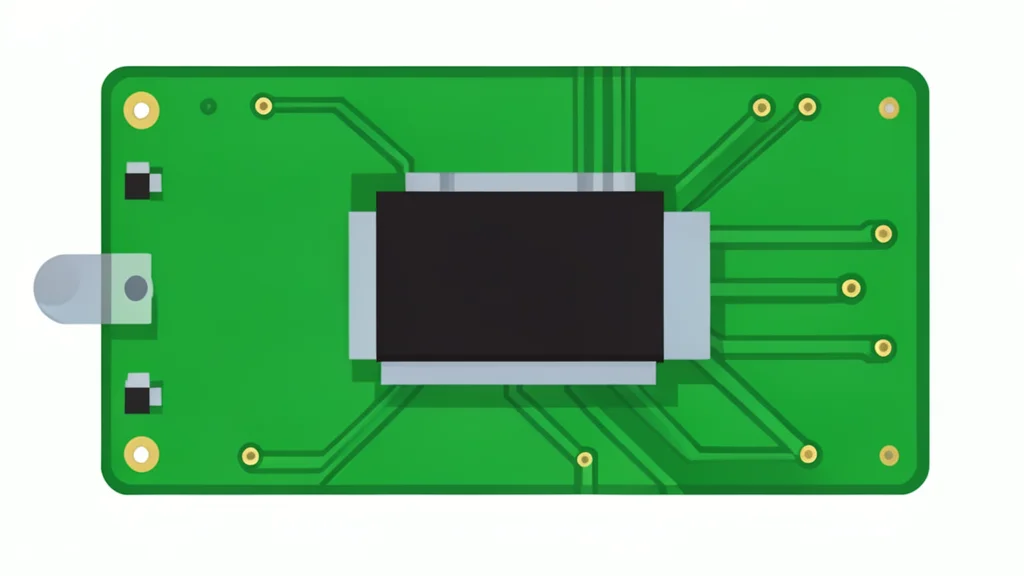
A common hardware placement error can halve storage speeds before the operating system even loads, and the fix is simply moving the drive.
Many desktop builders unknowingly cap their storage performance by installing the primary solid-state drive in the wrong physical slot. This error occurs at the hardware level, meaning no software setting or driver update can resolve the bottleneck. The drive runs at a fraction of its potential, often without any visible error message to alert the user.
The issue stems from how modern motherboards route data. While all M.2 slots look identical, they connect to different parts of the processor and chipset. Placing the boot drive in a secondary slot forces it to share bandwidth with other peripherals, resulting in slower load times and reduced overall system responsiveness.
Physical shape hides speed differences
The M.2 standard defines the connector's physical dimensions, not its data transfer capabilities. A slot directly connected to the central processing unit provides dedicated lanes, offering the lowest latency and maximum bandwidth. This is the optimal location for the main operating system drive. Secondary slots typically route through the motherboard chipset, adding latency and forcing the drive to compete with other components for available bandwidth.
Shared pathways create bottlenecks
When a high-speed drive sits in a chipset-connected slot, it shares a limited link with USB ports, Wi-Fi cards, and other storage devices. This shared pathway often negotiates to a lower generation speed or fewer lanes than the drive supports. For example, a next-generation drive in an older slot may perform like a previous-generation drive. Testing cited by GN auto tech/hardware showed sequential speeds dropping from 2,700 MB/s to 1,300 MB/s simply by moving the drive to a slower slot.
Using all slots can disable GPU lanes
Populating every available storage slot can have unintended consequences for other hardware. On many consumer motherboards, secondary M.2 slots borrow electrical lanes from the graphics card or disable specific SATA ports. If a user fills all storage slots, the graphics card may lose bandwidth, directly impacting gaming performance and rendering speeds. This trade-off is not always obvious and depends heavily on the specific motherboard and processor combination.