Home Assistant on Raspberry Pi: Four Practical Automation Ideas
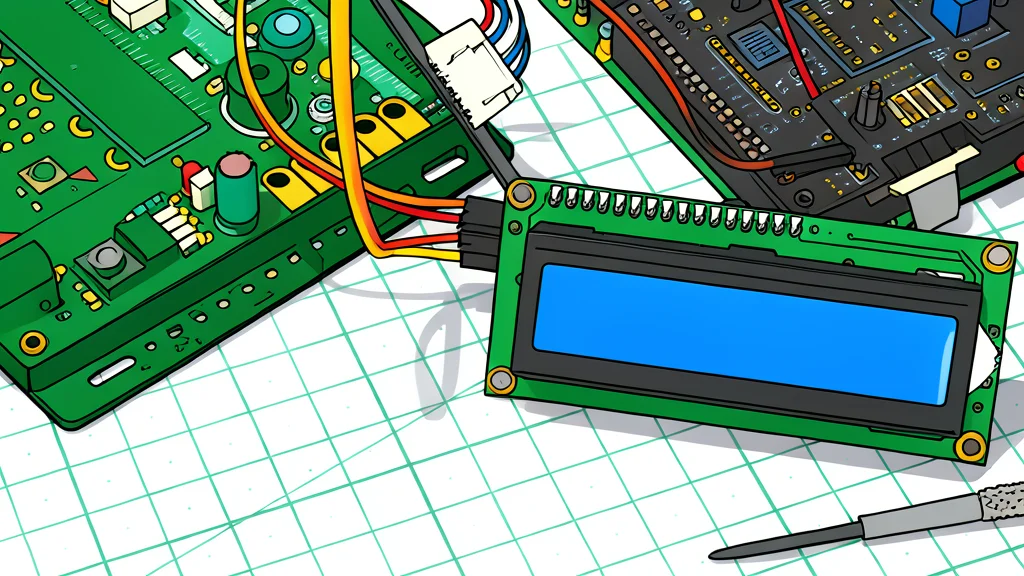
A small, square, green circuit board with a metal frame and a black chip in the center, resting on a wooden desk next to a white power adapter.
Raspberry Pi users are finding new ways to integrate home automation without buying proprietary gadgets. By running Home Assistant, a free and open-source platform, owners can connect devices from different manufacturers into a single system. This setup allows for complex triggers based on location, power usage, or physical tags, giving users more control over their daily routines.
The platform supports over 1,500 integrations and runs on standard hardware like the Raspberry Pi 4 or 5. According to GN technics/smarthome (en-US), this approach removes the need for brand-locked ecosystems. The software is free, with no subscription required for core features, making it an accessible option for those who want to customize their smart home beyond basic app controls.
NFC tags replace scrolling for media
One popular use case involves turning physical NFC cards into triggers for music or movies. Instead of searching through streaming apps, users can scan a card with their phone or a dedicated reader to start a playlist or film. This method brings a tactile element to digital media, allowing physical objects to perform specific tasks within the smart home network.
The setup can be as simple as using a smartphone or as complex as a 3D-printed media player. Home Assistant can distinguish between different readers, meaning the same tag can trigger different actions depending on where it is scanned. This flexibility allows for personalized experiences in different rooms without requiring any coding knowledge, as the visual editor handles the automation logic.
Phone charging triggers bedtime routines
Another practical application uses a phone charger as a signal for a nightly routine. When a user plugs in their device, Home Assistant can detect this state change and execute a series of actions. These might include turning off lights, lowering blinds, or adjusting the thermostat, effectively automating the process of preparing the house for sleep.
To prevent false triggers, such as charging the phone in the afternoon, users can add conditions like time of day or location. This ensures the routine only activates when it is actually nighttime. Since this relies on existing hardware, it requires no additional purchases, making it a low-cost way to streamline evening habits.
Smart plugs monitor appliance status
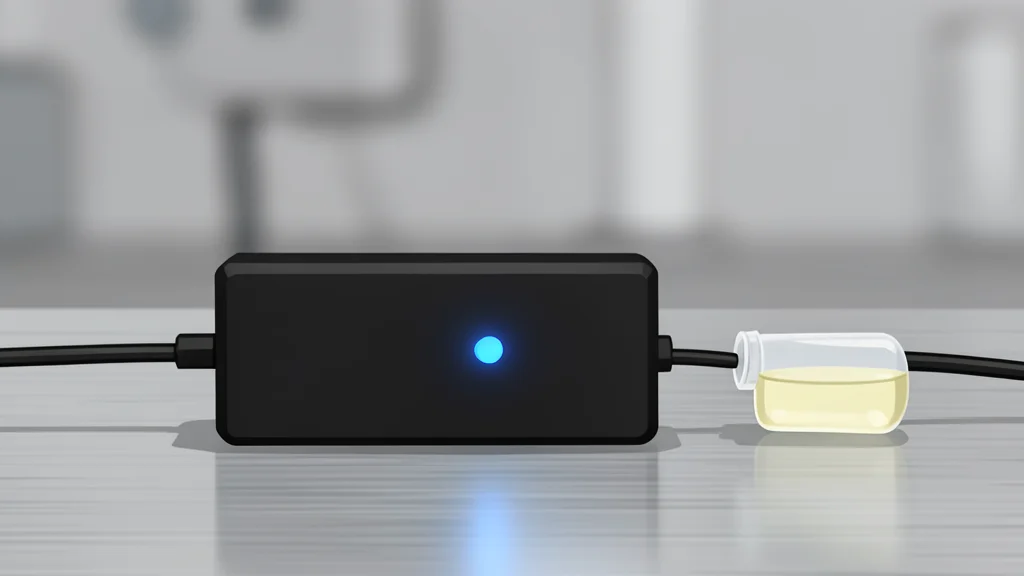
Older appliances that lack Wi-Fi capabilities can still be integrated into a smart home setup. By using a smart plug with power-monitoring features, Home Assistant can track the electricity consumption of devices like washing machines. When the power draw drops to a certain level, the system can infer that the cycle is complete and send a notification to the user.
This method bypasses the need for expensive smart appliances or unreliable third-party apps. It relies on simple power data to determine the status of the device, offering a reliable way to keep track of chores. The trade-off is that it requires the appliance to be connected to a smart plug, but it provides a universal solution for non-smart devices.